


.jpg)
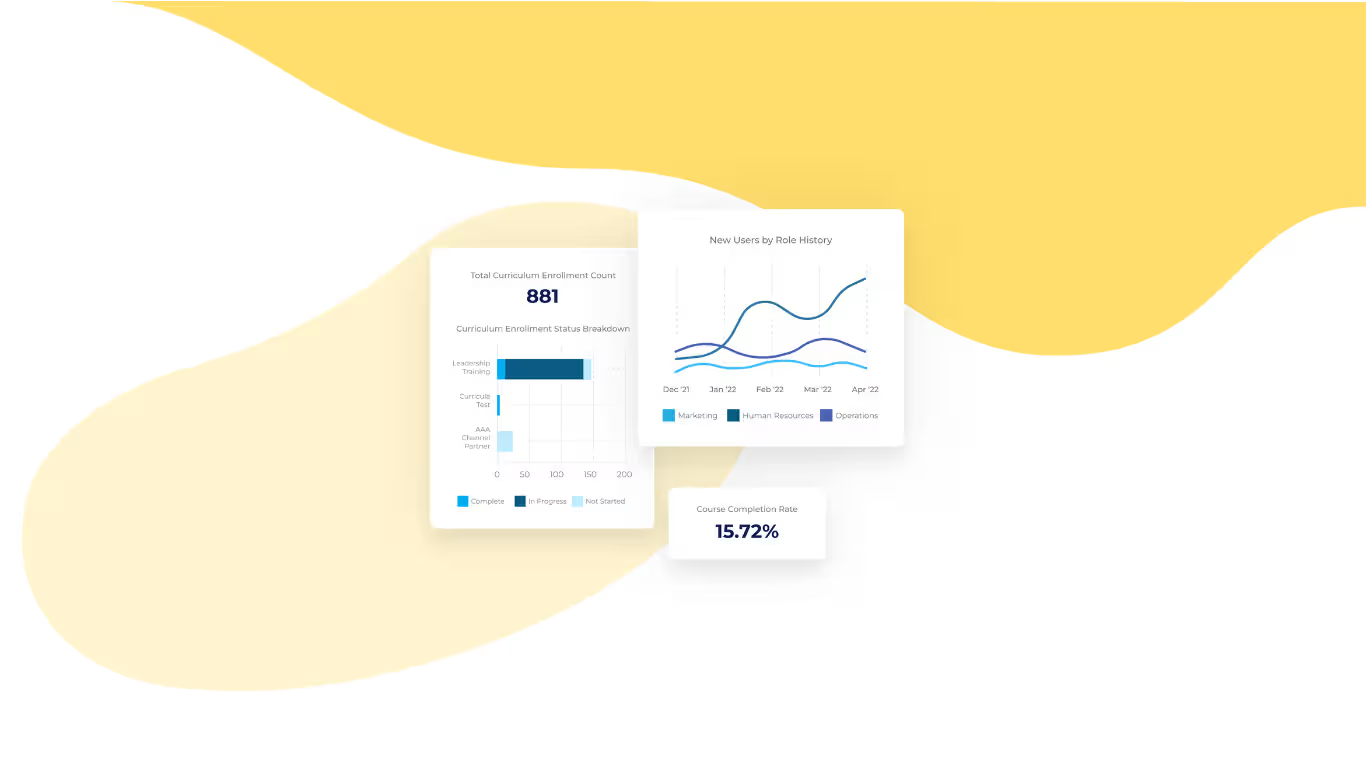

If you're evaluating Docebo against other LMS solutions, you've probably already run into the same six names. Absorb LMS, TalentLMS, Litmos, 360Learning, Cornerstone OnDemand, and LearnUpon are the strongest Docebo alternatives in 2026. These six show up again and again as Docebo's top competitors, but they don't all solve the same problem, and each one fits a different kind of team.
The short answer: If you're looking for a Docebo alternative, Absorb LMS is the best overall for most teams, pairing an easier day-to-day experience for admins and learners with AI-assisted course building and support that's available around the clock. TalentLMS is the better fit if budget is your top constraint. Litmos is built specifically for compliance-heavy training programs.
Whether you're already a Docebo LMS customer weighing a switch, or comparing Docebo against other platforms before you've bought anything, the frustration tends to be the same. It usually comes down to a higher price tag, reporting that doesn't always answer the questions you have, and an admin experience that takes too many clicks to get simple things done. Below, we break down all six alternatives, then walk through how to match one to your team's specific priorities.
The 6 best Docebo alternatives, at a glance
No single platform wins on every dimension, so you should always start with what matters most to you. That might be price, a specific use case like compliance, or how much support you'll want during the switch. Here's how all six compare on pricing and fit, then below, on standout features and limitations. We've kept pricing to what each vendor has published or confirmed (as of the time of publication of this article).
LMS platforms and their pricing models?
Platform | Best for | Pricing model |
Absorb LMS | Teams that want strong support without a steep learning curve | Custom, quote-based |
TalentLMS | Small teams and tight budgets | Plans start around $69/month |
Litmos | Compliance-heavy training programs | Custom, quote-based |
360Learning | Teams that want to build training collaboratively | Plans start around $8/user/month |
Cornerstone OnDemand | Large enterprises that want learning, onboarding, and performance in one system | Custom, quote-based |
LearnUpon | Mid-market teams that want hands-on implementation support | Custom, quote-based |
LMS platforms and their limitations?
Platform | Standout feature | Notable limitation |
Absorb LMS | AI-assisted course creation with Absorb Create | Some reporting needs require running and merging multiple reports |
TalentLMS | Fast setup with an easy, drag-and-drop course builder | Can feel limiting once your training needs grow more complex |
Litmos | Built-in drag-and-drop content authoring tool | Reporting accuracy is a recurring complaint among users |
360Learning | Collaborative course authoring | No built-in library of ready-made content |
Cornerstone OnDemand | Combines learning, onboarding, and performance management | Admin interface has a steep learning curve |
LearnUpon | Hands-on onboarding and implementation support | Reporting and search functionality lag behind competitors |
Absorb LMS: the Docebo alternative built to get used
Absorb LMS is the strongest overall alternative to Docebo for teams that want an LMS their admins and learners will use, without paying for unnecessary complexity.
That ease of use shows up in Absorb's own user reviews. On Capterra, reviewers note its "outstanding customer service", a responsive portal, and easy integrations and automations", and at least one admin who chose Absorb over others like LearnUpon and Docebo noted that Absorb's "onboarding process was amazing" and the AI features really make content creation very simple and understandable." Most LMS dissatisfaction comes down to how many clicks it takes to do something simple, not a missing feature, so easy use is a key thing when you choose.
Three things set Absorb apart beyond ease of use:
- AI-assisted course creation. Absorb Create lets someone without an instructional design background turn a topic into a working course and test in a fraction of the time it takes to build one from scratch.
- Support that shows up when you need it. Absorb offers 24/7 support and a hands-on onboarding process, which matters most in the first few months after a switch, when questions come up fast. One Capterra review notes Absorb has "outstanding customer service", a truly responsive ideas portal, and easy integrations and automations."
- Room to grow. Absorb is built to scale as your organization grows, and many without forcing a platform change along the way.
On pricing, Absorb is custom and quote-based, the same as Docebo. The differentiation is in the process, not a lower price. Many reviewers describe onboarding as well-structured, with a clear plan of tasks on both sides, and implementation itself as an amazing experience thanks to a responsive implementation manager.
No platform on this list aces every category, and one reviewer notes that they would like to see greater detail and customization needed in the reporting. If granular, drill-down reporting is your top priority, request a demo and test if there are limitations for your organizational needs.
TalentLMS: the budget-friendly pick for small teams
TalentLMS is the best Docebo alternative if cost is your biggest constraint and your training needs are still pretty simple.
Capterra notes that TalentLMS has a $149 flat rate per month. Setup is fast, the course builder is straightforward enough for a non-technical admin to use on day one, and built-in gamification (leaderboards, badges, points) helps with learner engagement.
TalentLMS is simple by design, and that's the whole sales pitch — but simple has a shelf life. On Capterra, reviewers describe it as a good way to get an LMS off the ground that starts to feel too basic as training needs grow — one called it "best for starting an LMS," while another flagged it as "very basic" and "too simple, without many basic LMS functions that are the norm today." That's fine if your training needs stay simple too, but if you expect to outgrow a lean feature set within a year or two, plan for that now instead of relearning it the hard way after you've switched.
Litmos: built for compliance training
Litmos is the strongest choice on this list if compliance training is your primary use case.
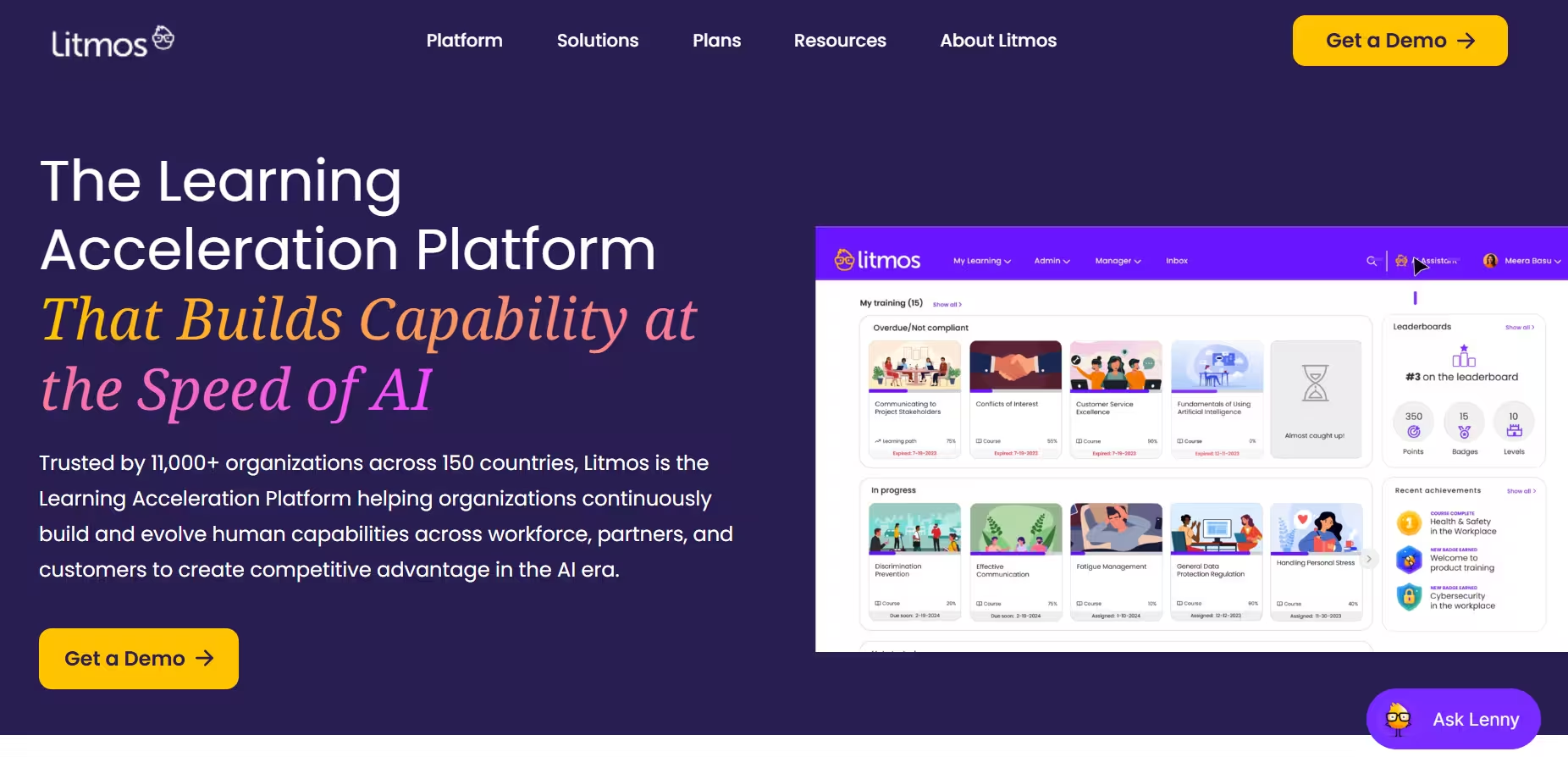
Its content authoring tool is easy to use, with drag-and-drop functionality that doesn't require a dedicated content team. That, combined with modules built for recurring compliance courses like annual harassment or financial-compliance training, makes it a solid fit for organizations whose LMS exists mainly to keep audit-ready records.
Litmos built its reputation on compliance rigor, which makes its reporting problem sting more than it would elsewhere. On Capterra, one reviewer described the navigation as "clunky" and another stated that some of the functionality for scheduling trainings was frustrating. One user noted that the user feel is "wonderful" within a system that's simple to use.
360Learning: best for collaborative, peer-led training
360Learning is the right pick if your training strategy depends on employees and subject matter experts building courses together, not a centralized team producing everything.
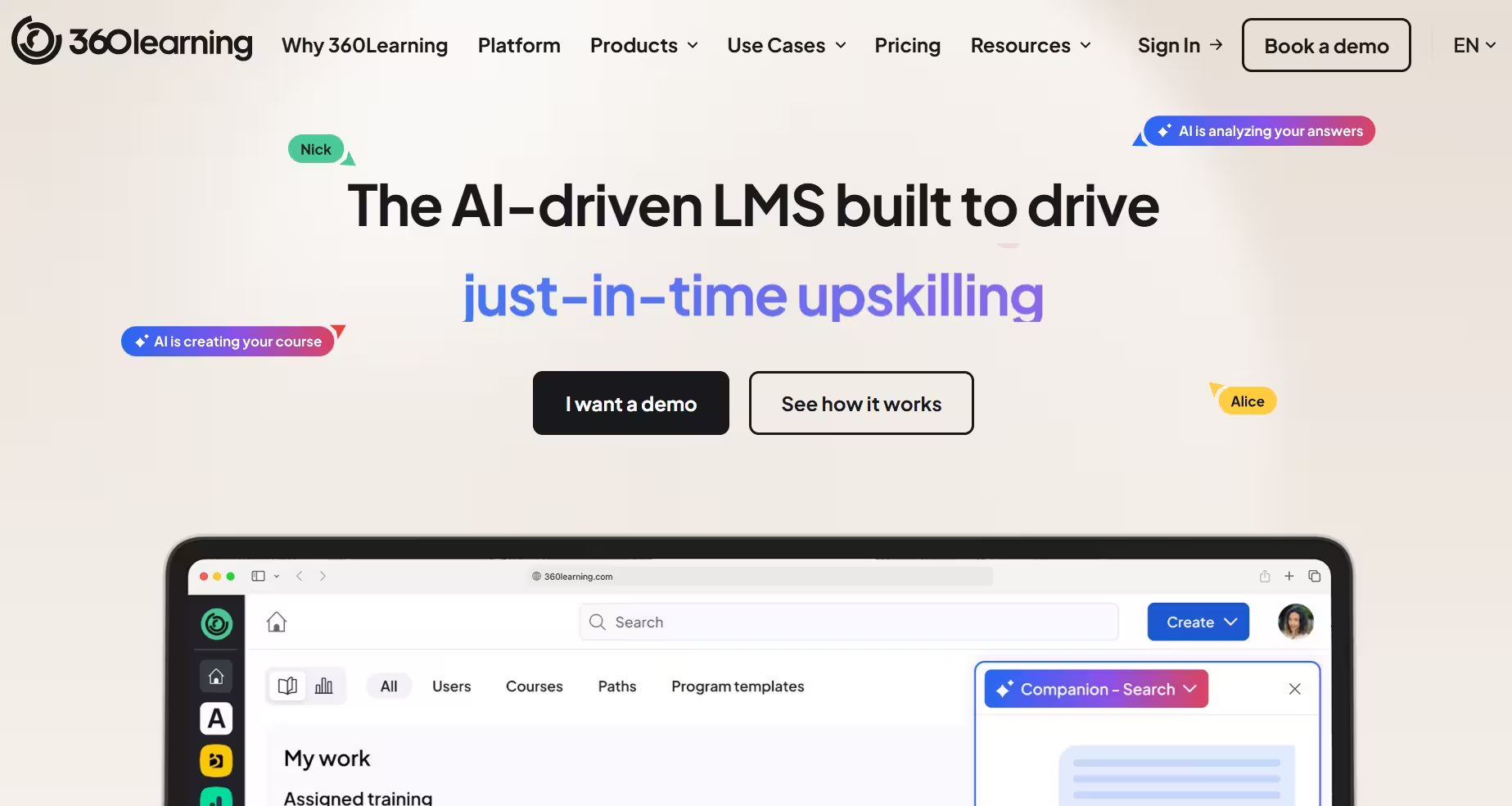
Its authoring tool supports collaborative content creation across teams, and on Capterra, reviewers regularly point to a clean, modern interface and a fast setup process — one compared the look and feel to "Netflix or social media," another called it "a real easy-to-use platform." It's also one of the few platforms on this list with clearly published pricing, starting around $8 per user per month, which makes budgeting more predictable than the custom-quote model most competitors use.
360Learning asks employees and subject matter experts to build courses together, which is great right up until you need something already built. It has no built-in library of ready-made courses, so you're either creating everything internally or buying content separately, which adds cost and time. Pricing tells a similar half-story. It also scales with active users and requires a custom quote once you're past the Team plan's 100-user cap, so the published $8/user/month starting price doesn't tell the whole story once your deployment and course catalog grow. Several reviewers noted reporting/dashboard/manager-visibility friction.
Cornerstone OnDemand: one platform for learning, onboarding, and performance
Cornerstone OnDemand is the best fit if you want learning, onboarding, and performance management running on a single platform instead of three separate tools.
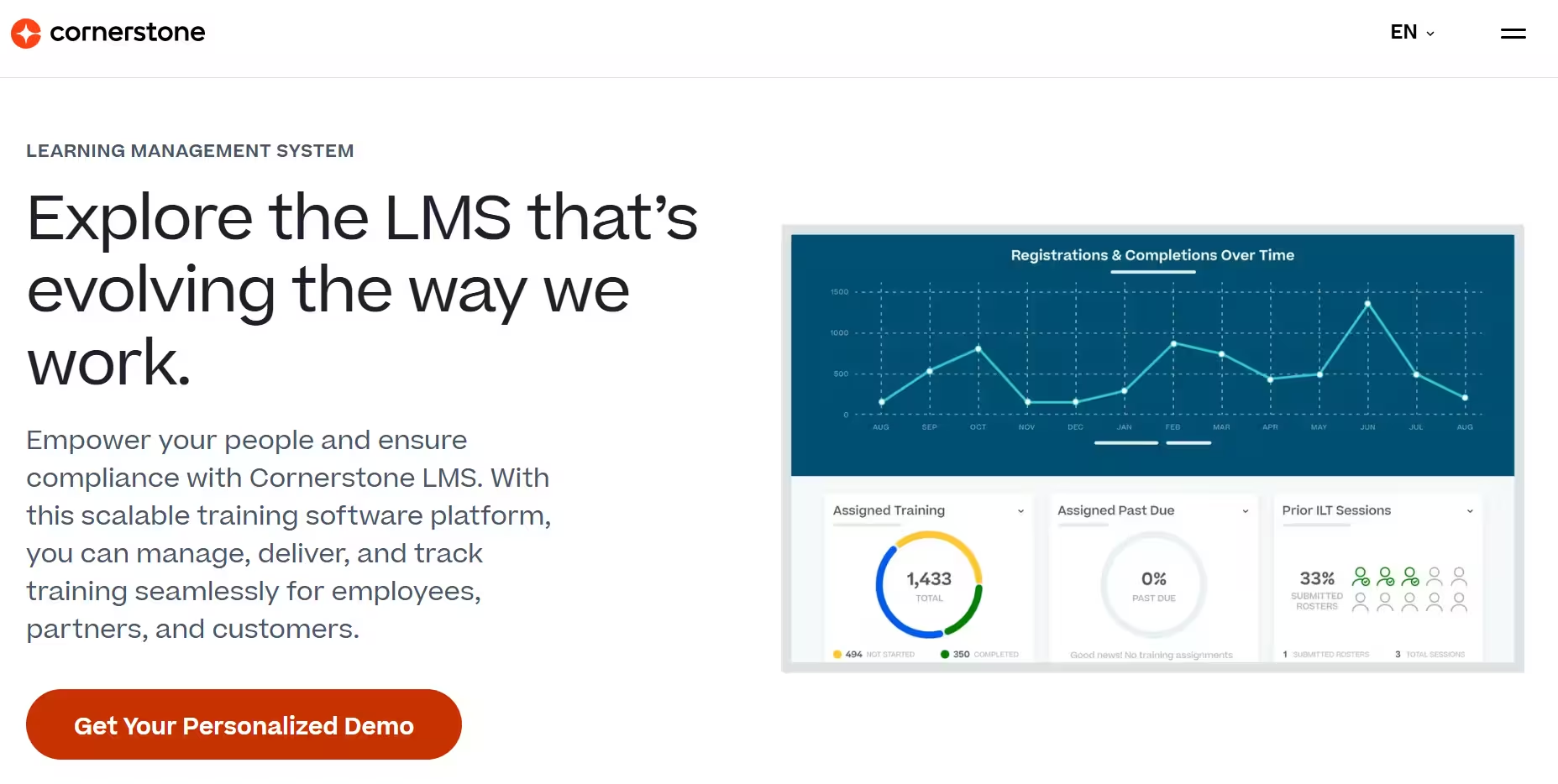
Its content library is large, and the unified talent-management approach simplifies things for HR and L&D teams that would otherwise juggle multiple systems. Reporting and automation capabilities are also a real strength for some teams, particularly compared to whatever legacy system they're replacing.
Cornerstone's breadth comes at a cost beyond the invoice. Running learning, onboarding, and performance in one system means a system with a lot of buttons. On Capterra, one reviewer noted that it's somewhat "clunky to use" and that it doesn't save progress properly at times. Its complexity often requires a dedicated administrator just to keep things running. Cost adds up too. On Capterra, a reviewer reported that the pricing "can be quite high when reliability and performance are serious concerns."
LearnUpon: the steady, hands-on middle-ground option
LearnUpon is the best choice if you want strong implementation support and an easy-to-use platform, without needing every advanced feature Cornerstone or Docebo offers.
Its onboarding process draws consistent praise. On Capterra, reviewers highlight proactive, hands-on support from a dedicated customer success manager through implementation, plus live demos that make the switch itself feel manageable. The interface is modern and simple for both admins and learners, and its reporting dashboards are solid, with some reviewers noting they're a step ahead of competitors on customization.
The onboarding experience is polished; finding things afterward is less so. Reporting is "somewhat limited", according to reviewers, and finding a specific course, user, or setting is a recurring complaint too — reviewers describe hunting through duplicate course versions and clicking back and forth between result pages to locate what they need. Several reviewers call it a solid choice with good support.
Docebo alternatives: frequently asked questions
Why do companies switch from Docebo?
The most common reasons are cost, account-management turnover, and an admin experience that takes too many steps for basic tasks. In Docebo's own Capterra reviews, one admin pointed to a steep learning curve and setup that takes real technical know-how, and a separate reviewer described working through three account managers in one year. In Docebo's own user community, admins have also reported functionality changes rolling out with little warning — one wrote that the company didn't do its part to help them prepare.
Is Absorb LMS cheaper than Docebo?
Both platforms use custom, quote-based pricing, so there's no public list price to compare directly. The more useful comparison is the process itself. On Capterra, Absorb reviewers describe onboarding as well-structured, with a clear plan of tasks on both sides, while Docebo reviewers describe configuration as quite complex.
Why is Docebo so expensive?
Docebo's per-user licensing model is the most commonly cited driver, with organizations reporting that costs climb as user counts grow. On Capterra, one reviewer said extras like advanced analytics should have been included rather than sold separately, and another described being pushed toward an Enterprise-tier upgrade with little room to negotiate at the standard support level.
What is the easiest LMS to use?
Among the platforms compared here, Absorb LMS and TalentLMS are the two most frequently praised for ease of use, though for different reasons. TalentLMS is simple because its feature set is intentionally lean, while Absorb is noted for being "Easy to onboard" and having "customisable user interface, a great support team, and AI generation of content."
Is there a free alternative to Docebo?
Not among the six alternatives covered here. All six use paid, subscription-based pricing, whether published (TalentLMS, 360Learning) or custom-quoted (Absorb, Litmos, Cornerstone OnDemand, LearnUpon). If a free tier is a hard requirement, none of these platforms will meet it.
Is Docebo good for enterprise companies?
Docebo is generally viewed as capable of scaling with a growing organization, and it's a common pick for extended enterprise training. That said, this reflects patterns we've heard directly from prospects rather than an independently benchmarked comparison, so treat it as a starting point for your own evaluation rather than a final answer.
Is Docebo good for healthcare or manufacturing companies?
There isn't independently verified data available on how well Docebo fits either industry specifically. Rather than guess, we'd point you back to the general decision criteria above, cost, reporting depth, and admin complexity, and recommend evaluating any platform, Docebo included, against your industry's specific compliance and reporting requirements directly with the vendor.
How to choose the right Docebo alternative
The right Docebo alternative depends less on which platform has the most features and more on which priority matters most to your team right now.
If budget is the deciding factor, start with TalentLMS. If your training exists mainly to satisfy compliance requirements, Litmos is built for that specific job. If you're consolidating learning, onboarding, and performance into one system, Cornerstone OnDemand covers the most ground, though you'll want a dedicated administrator to manage it. If your team wants to build training collaboratively rather than centrally, 360Learning fits that workflow, and its published pricing makes budgeting easier. If implementation support and day-to-day ease of use matter most, Absorb LMS and LearnUpon are both strong options, with Absorb offering more room to scale as your organization grows.
This kind of switch is more common than it might feel. Across the broader learning technology market, 44% of organizations are looking to replace their current solution within the next two years, and better user experience is the top reason cited, ahead of missing features or price. That tracks with what shows up in Docebo's own user reviews: on Capterra, one admin called it expensive and complex to administer, and another described the admin menu's intuitiveness as below par, with important functions buried in sub-menus. Weigh ease of use as heavily as feature lists when you compare these platforms.
Whatever you prioritize, get hands-on with a demo before committing. Pricing pages and feature lists can't tell you how many clicks it takes your admin team to build a course or pull a report.
If cost, reporting, or an admin experience that takes too many steps is what's pushing you off Docebo, Absorb LMS was built to fix exactly that. If you're ready to make the switch, see what Absorb can do for you.


.avif)
.avif)