


Frontline worker training that reaches the whole shift
Most frontline workers don't sit at a desk or have a work email. Give them training, updates, tasks and answers on the phones, tablets and kiosks they already use.
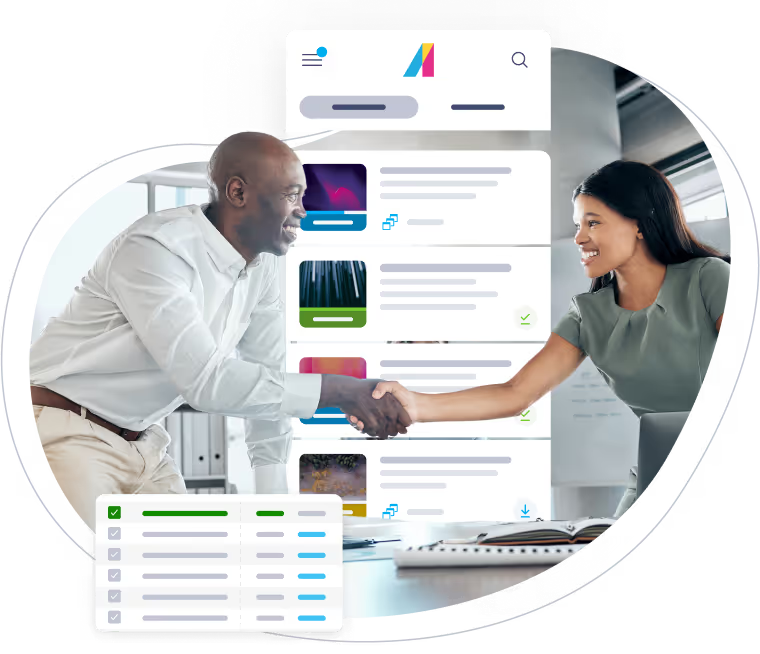
Meet the Absorb Frontline App
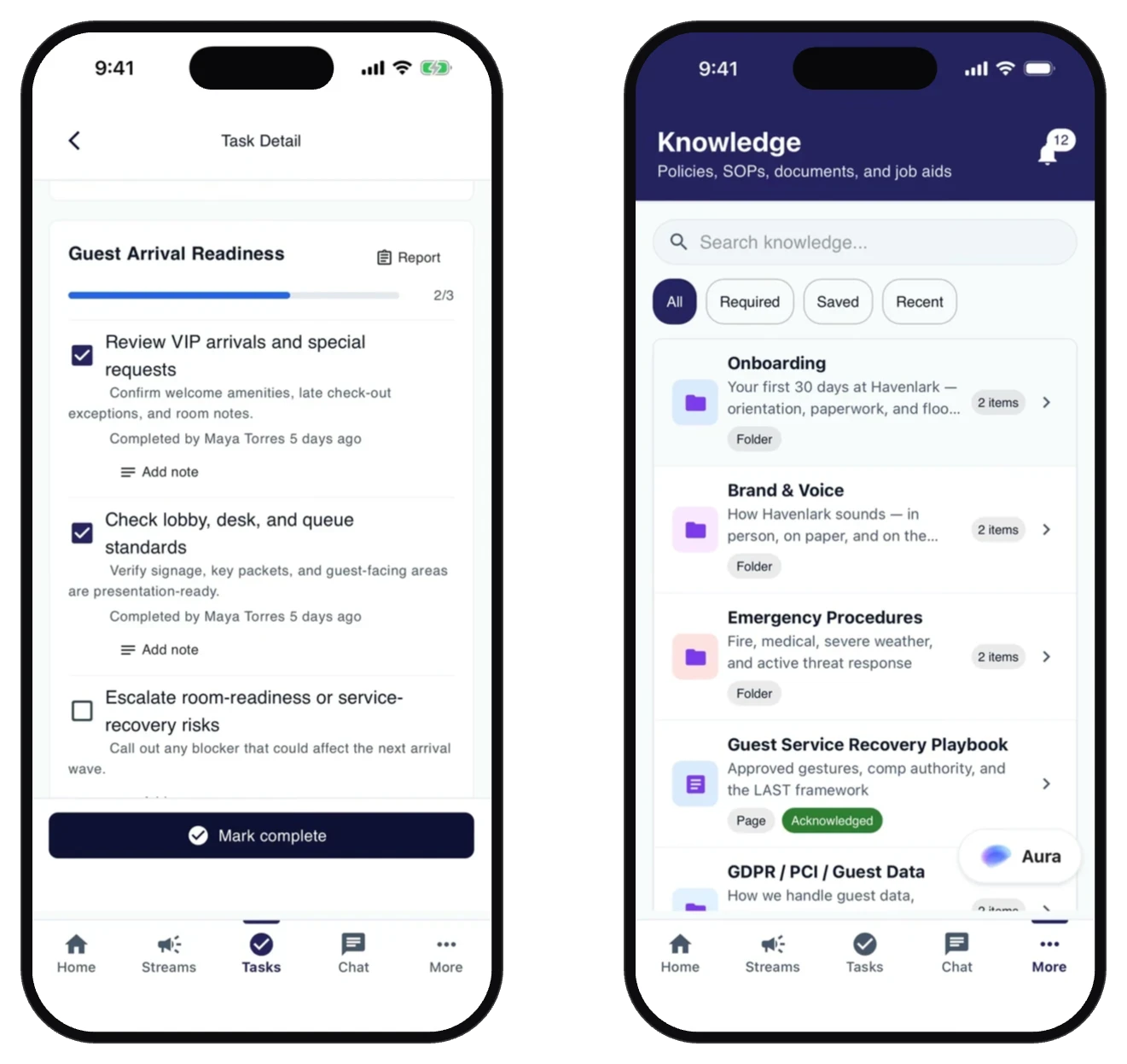
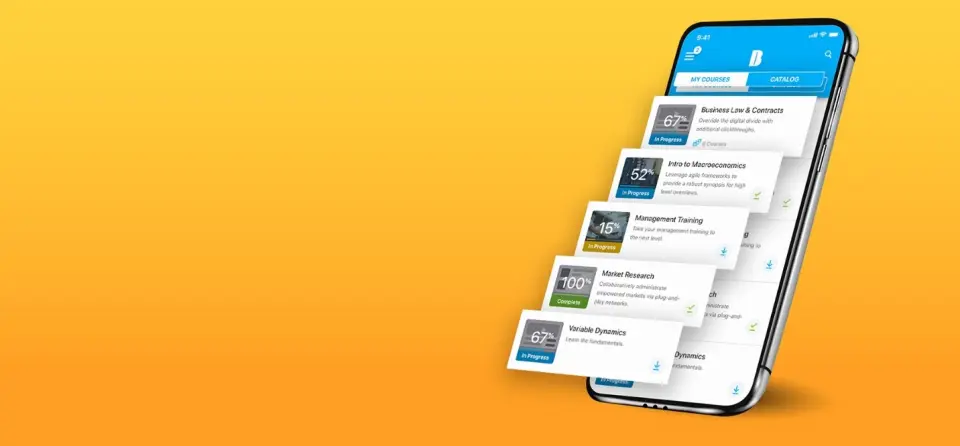
The Absorb Frontline App brings training, updates, tasks and answers into one daily app. Absorb LMS is built in, so the app can be purchased and used on its own. Existing Absorb customers can add it to their current platform. Workers sign in with a phone number, personal email or employee ID. No work email required.
- Tasks. Checklists assigned by role, shift or site. Managers see completion in real time.
- Streams. Targeted updates to the right crews, with read receipts captured automatically.
- Chat. Two-way messaging with managers. No personal numbers shared and no extra app required.
- Aura AI. Instant answers from your own SOPs and policies.
- Learn. Full Absorb LMS training, completed in the same app.
How is frontline training different?
Frontline training is built for employees who serve customers and run daily operations rather than sitting at desks. Workers often learn in short windows between tasks. They may use personal phones, shared tablets or floor kiosks instead of assigned computers. High turnover also makes fast, repeatable onboarding important.
What are some examples of frontline training courses?
Types of frontline training include:
- New-hire onboarding
- Customer service training
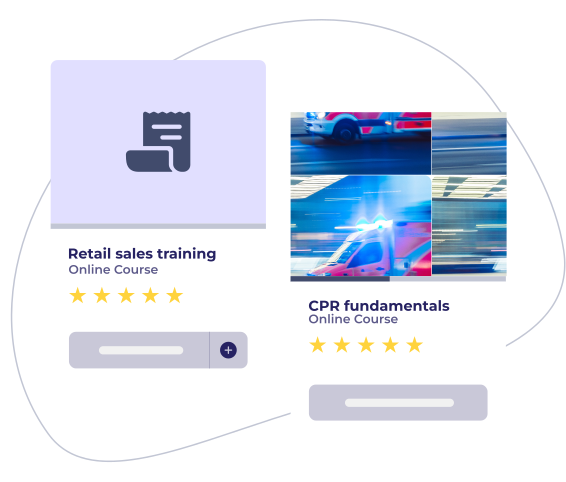
- Product knowledge and retail sales training
- Health, safety and regulatory training
- Standard operating procedure training
- Equipment and technical skills training
- Conflict resolution and de-escalation training
- Food safety and allergen training
- First aid and CPR training
What are some best practices for frontline worker training?
Keep lessons short enough to finish between tasks. Build content for the specific role and use real situations from the floor. Send updates when procedures change instead of waiting for the next scheduled session. Verify skills on the job with observation checklists. Involve frontline managers, because they see skill gaps and reinforce training during each shift.
Why teams choose Absorb for frontline training

One app for the shift
Training, updates, tasks and AI answers share one shift-start view, so workers do not need separate learning, messaging and checklist tools.

An enterprise LMS is built in
Full Absorb LMS training runs natively in the app, with course management, SCORM support and audit reporting.


What real customers say

Overall we're most pleased with the admin functionality. The learner view displays nicely and is intuitive. We've had great customer service and always get immediate responses to questions and issues. The technical experts are true experts and have been able to help explain and resolve our issues.
-
Absorb LMS is a robust, user-friendly, customizable, data-accessible system...We like that it works for both internal and external learners and instructors, as we are a membership non-profit. We heavily use Absorb Analyze, the robust reporting platform with tons of data visualization options.
-
Frontline worker resources



FAQs about Absorb for frontline workers
Do frontline workers need a work email?
No. With the Absorb Frontline App, workers can sign in with a phone number, personal email address, employee ID or username, or through single sign-on (SAML). A one-time code sent by text or email also works. Shared tablets and kiosks are also supported.
Do I need a separate Absorb LMS subscription to use the Absorb Frontline App?
No. Absorb LMS is built into the app, so the Absorb Frontline App can be purchased and used on its own. Existing Absorb customers can add it to their current platform.
Can teams use shared devices?
Yes. Teams can use the Absorb Frontline App on shared tablets and floor kiosks, as well as personal phones. Workers can sign in with an employee ID, phone number or personal email address.
How quickly can training content be updated?
Training content can be updated in real-time, ensuring that all information is current and immediately available. This capability is crucial for industries where regulations and best practices are constantly evolving.
Can Absorb integrate with our existing HR software?
Yes, Absorb seamlessly integrates with various HR systems, ensuring a unified workflow from recruitment to onboarding and beyond. This integration allows for automated data transfer and streamlines training management.
How customizable is the learning content for different roles?
Absorb offers extensive customization options to tailor learning content to specific roles, departments, or individual needs through personalized learning paths. This ensures that each employee receives the most relevant training for their position.