.jpg)

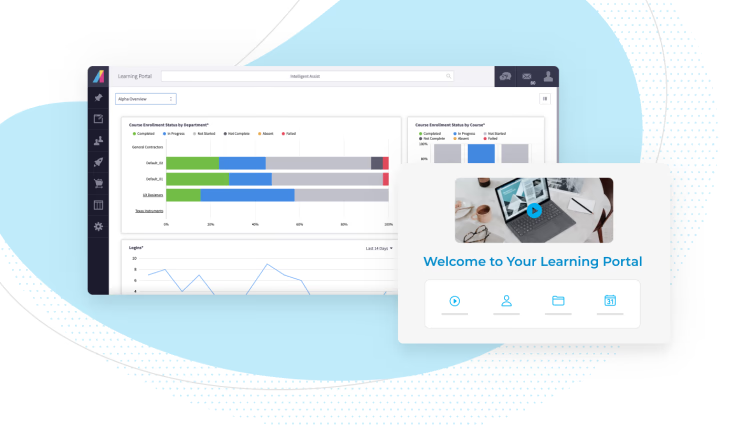
SCORM learning design means building courses as small, reusable pieces that any SCORM learning management system can launch, track, and reuse. SCORM stands for Sharable Content Object Reference Model, a technical eLearning standard from the Advanced Distributed Learning (ADL) initiative.
SCORM won't write your learning objectives or pick your quiz questions. It decides whether the course you spent three months building works in the LMS you use now, and in the next one you buy.
You don't need to read the specification to use SCORM well. Here's what course builders need to know: how SCORM works inside an LMS, what each letter means for your design choices, and which version to build for.
How does SCORM work in a learning management system?
A SCORM learning management system unpacks your course, and it talks to the course while someone takes it. SCORM sets the rules for both. SCORM 2004 adds a third part, sequencing, which decides what happens when a learner exits one piece of the course.
Part of SCORM | What it does | What it means for your course |
|---|---|---|
Content packaging | Bundles your course into a ZIP file with a manifest (imsmanifest.xml) that describes everything inside | The manifest has to sit at the root of the ZIP, or the LMS can't read the package |
Run-time communication | The LMS launches one piece of the course at a time and trades data with it through a JavaScript API | This is how completions, scores, time, and bookmarks reach your reports |
Sequencing and navigation (SCORM 2004 only) | Decides what happens when a learner leaves one piece of the course | You can set rules for order, learner choice, and when the next module unlocks |
The run-time piece matters most to L&D teams, because it's where your reporting comes from. A SCORM course can send the LMS:
- Whether the learner finished the course and passed or failed
- Their score on any assessment
- How much time they spent
- A bookmark, so they pick up where they left off
Your LMS turns that data into the reports you pull for managers and auditors.
What does each letter in SCORM mean for course design?
Each letter in SCORM points to a design decision you make, even if you never touch the code. Here's the short version.
Letter | Stands for | What it means for your courses |
|---|---|---|
S | Sharable | Build small pieces you can reuse across courses and learning paths |
C | Content | Bundle those pieces into packages any SCORM-compliant LMS can import |
O | Object | Group single assets into units the LMS can launch and track |
R | Reference | Rely on proven specifications that SCORM ties together |
M | Model | Rely on a defined structure for launch, data, and metadata |
S is for sharable
Sharable content objects (SCOs) are the heart of SCORM. An SCO is a self-contained unit of instruction that the LMS launches and tracks on its own, and the course "manifest" links it with other resources.
Reuse is the payoff for instructional designers. Build a strong data privacy module once, and you can drop it into onboarding, the annual compliance refresher, and a manager path without rebuilding it. That only works if each SCO stands on its own, so cut lines like "as we covered in the last module."
SCORM doesn't make content mobile-friendly by itself. Build responsive design into each SCO, so the same piece scales from a desktop computer to a phone.
C is for content
SCORM sets the rules for bundling content into a package that any SCORM-compliant LMS can import. Those packages are what fill a content library.
In SCORM 2004, each package can carry its own sequencing rules, depending on how learners should move through it:
- Sequential: learners move in a set order with next and previous buttons
- Learner-directed: learners choose what to take from the table of contents, within limits you set
- Randomized: the course delivers a random subset of activities or shuffles their order
- Adaptive: learning objectives act as switches, so passing a pre-test can unlock the next module or skip one the learner already knows
SCORM doesn't tell you what your learning objectives should be or how to test. It's the set of technical building blocks that turns your strategy into a course that runs the same way on more than one system.
O is for object
Objects are a technical way to group assets into courses, which makes them different from learning objectives. An asset is a file or small set of files that forms one logical unit, like an image, a web page, an audio clip, or a quiz. An SCO is a unit of instruction the LMS can launch and track.
In practice, L&D works with SCORM developers or an authoring tool to group and regroup assets into objects. Then the team turns learning objectives into sequencing rules for each object.
R is for reference
A reference model is a shared framework that defines how pieces connect without telling you what to build. SCORM is called a reference model because ADL didn't write it from scratch. It pulls together existing specifications, like IMS content packaging and AICC's run-time communication, and tells developers how to use them together.
That gives you a useful balance of flexibility and rigidity. Instructional design stays with your L&D experts, and SCORM makes sure the result can scale across courses and across LMS platforms.
M is for model
The model is the technical structure underneath it all. The manifest, metadata, and sequencing rules are written in XML, and the run-time API is JavaScript. It covers:
- Course and content structure
- The API a course uses to talk to the LMS
- How content launches
- Metadata records that describe each piece
Making the model work is mostly your LMS vendor's job. Still, knowing it well enough to design reusable content makes your conversations with developers a lot shorter.
Which SCORM version should you build for?
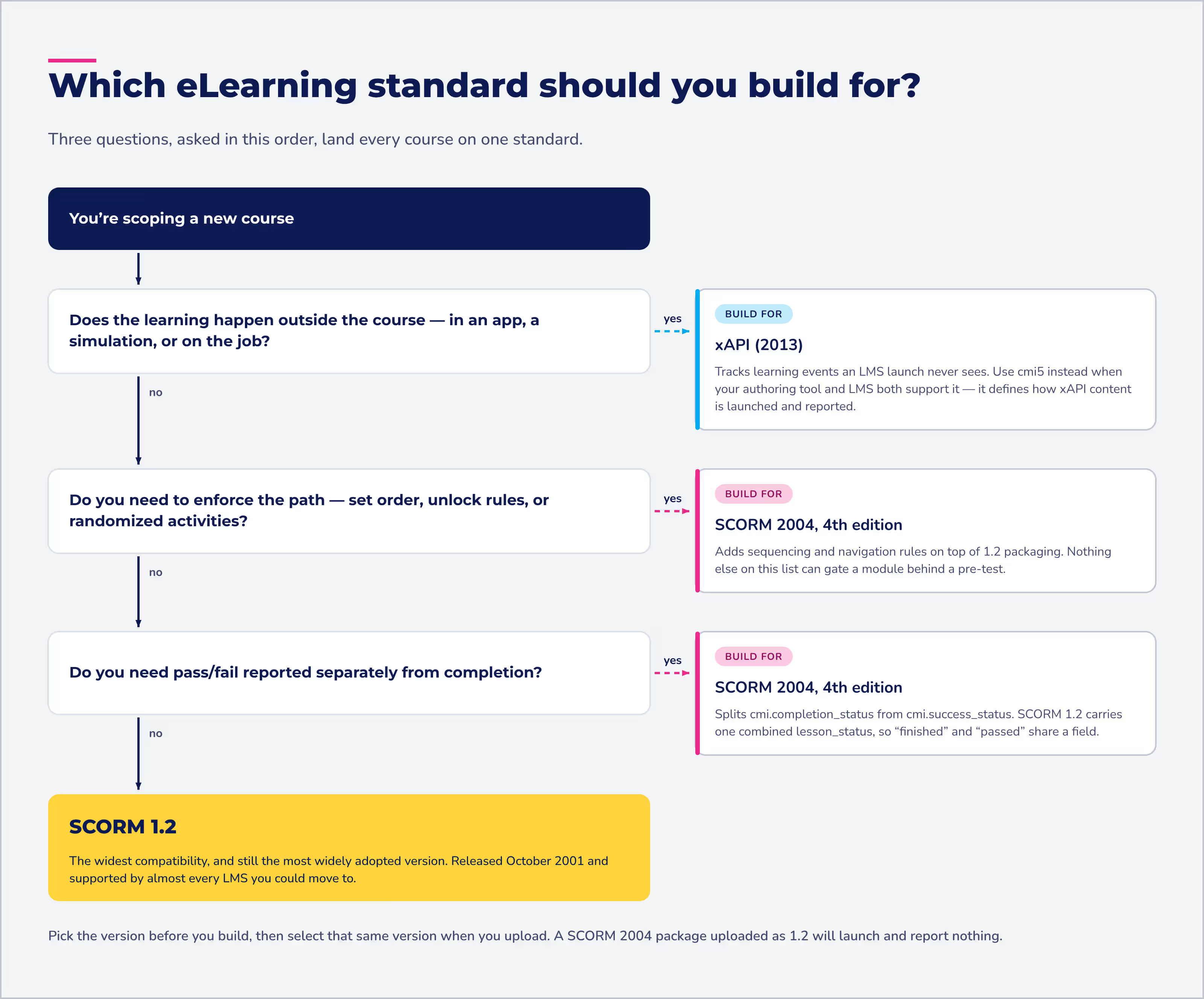
Build for SCORM 1.2 if you need the widest compatibility, and SCORM 2004 if you need sequencing rules. SCORM 1.2 dates to 2001 and is still the industry workhorse. SCORM 2004 added sequencing rules, and its 4th edition, released in March 2009, is the version to build for.
Standard | Released | What it adds | Build for it when |
|---|---|---|---|
SCORM 1.2 | October 2001 | Packaging and run-time tracking | You want your course to work in almost any LMS |
SCORM 2004 | January 2004 (4th edition: March 2009) | Sequencing and navigation rules, refined in the 4th edition | You need set paths, randomized activities, or unlock rules |
xAPI | April 2013 | Tracking of learning outside the LMS, such as in apps and simulations | You need data from more than course launches |
cmi5 | June 2016 | A companion specification to xAPI | Your authoring tool and LMS both support it |
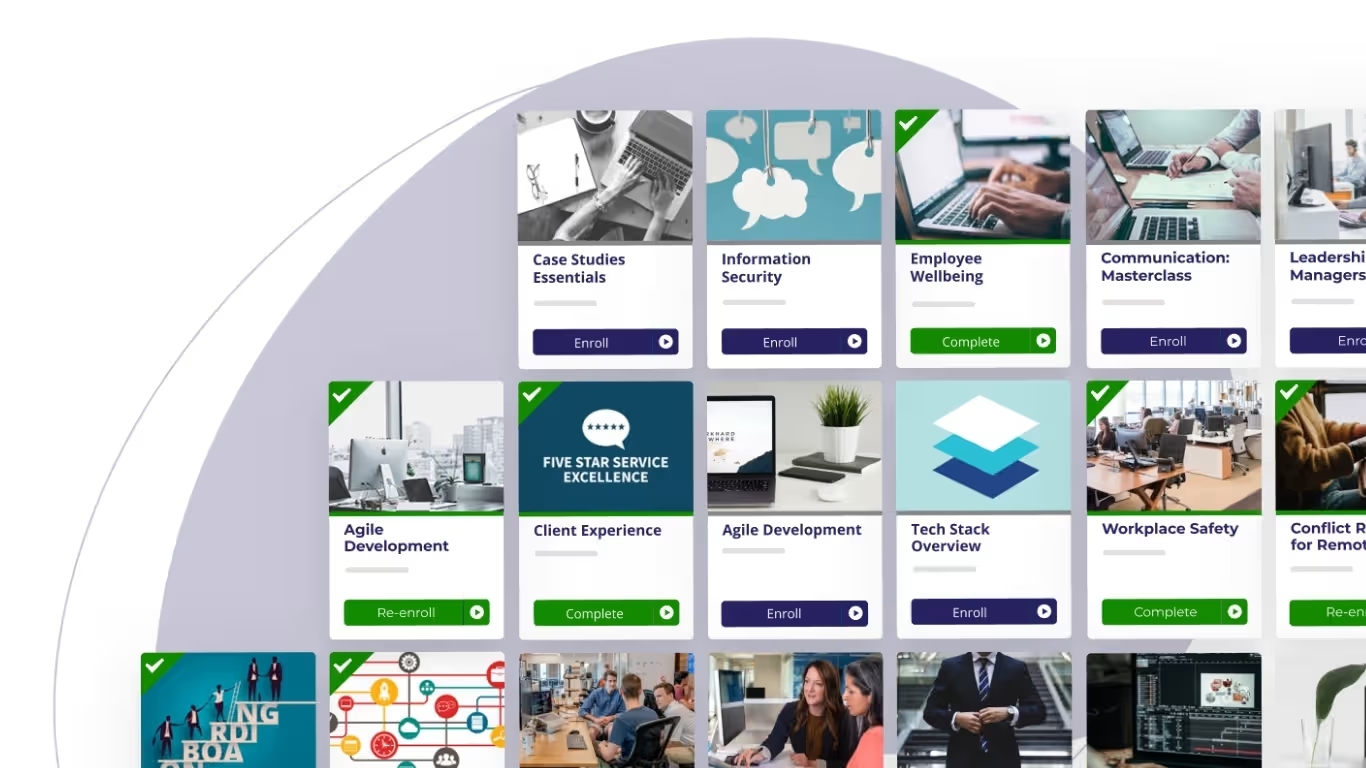
Absorb LMS supports SCORM 1.2 and SCORM 2004, along with AICC, xAPI, and HTML5, so you can pick the standard that fits each course.
How do you design a course that's SCORM-ready?
Design it in small, self-contained pieces, and pick your SCORM version before you build. These checks catch most problems before upload:
- Choose your SCORM version up front, and select the same version when you upload
- Write learning objectives first, then map them to sequencing rules
- Keep each SCO self-contained, so you can reuse it without context from another module
- Make sure the manifest file sits at the root of the package
- Build mobile-friendly layouts inside the course, since SCORM won't do it for you
- Test the package before launch, ideally with a few real learners on different devices
What can't SCORM do for your course design?
SCORM can't make a course good. It's a technical reference for how you deliver your content and testing strategy, not a model for learning objectives, engagement, or accessibility.
Here's what stays on your plate:
- Setting learning objectives and designing activities around them
- Making content engaging and easy to use on any device
- Tracking learning that happens outside the course. For that, xAPI can track learning events outside an LMS, like a simulation or a video.
Where SCORM pays off is protecting your investment. Learning content is expensive to build, and sharable objects help you scale your assets across courses and LMS platforms. For SCORM's broader limits and how it compares with non-SCORM content, see what SCORM is and how it helps you scale eLearning.
How do you build SCORM courses in Absorb LMS?
Build them in Absorb Create, or upload a SCORM package from any authoring tool. Either way, the course runs and reports in Absorb LMS.
- Build your own: Absorb Create publishes courses to SCORM, xAPI, or HTML5 formats, or straight to Absorb LMS
- Upload what you have: select your file format, then upload the ZIP as a new course or to add or replace learning objects in an existing one
- Buy off the shelf: content library partners offer thousands of SCORM, xAPI, and HTML5 courses
- Take it mobile: the Absorb LMS mobile app supports SCORM and other industry standards
Frequently asked questions about SCORM learning management systems
What does SCORM stand for?
SCORM stands for Sharable Content Object Reference Model. It's a technical eLearning standard from the Advanced Distributed Learning (ADL) initiative that lets courses work across learning management systems.
What is a SCORM learning management system?
A SCORM learning management system is an LMS that can import SCORM packages, launch them, and record the data they send back, such as completion, score, and time spent.
What is the difference between an LMS and SCORM?
An LMS is the software that delivers and tracks training. SCORM is the standard that lets courses work inside that software. For more, see the difference between SCORM and an LMS.
Is SCORM still a thing?
Yes. SCORM 1.2 is still the most widely adopted version, even though newer standards like xAPI and cmi5 exist.
What does SCORM compliant mean?
SCORM compliant means content or software meets SCORM's standards, so any SCORM-compliant LMS can import, launch, and track it.
How do you create SCORM-compliant content?
Build your course in an authoring tool that publishes to SCORM, such as Absorb Create, then upload the ZIP package to your LMS. If the content already lives in slides, you can convert PowerPoint to SCORM instead of starting over. Use the checklist above to catch problems before upload.