




The best LMS for customer training will get customers using your product without flooding your support queue, and give customer success leaders proof that training is cutting tickets.
This article scores six platforms against five criteria: content authoring depth, white-labeling, e-commerce support, integration depth, and proof of churn or support-ticket reduction, whether you're onboarding a handful of accounts or training thousands of customers at once.
What is a customer training LMS (and what is it not)?
A customer training LMS is built for people outside your company: your customers, not your employees.
It's usually self-serve. It often scales to thousands of learners you'll never meet in person. And it has to work for people who didn't choose to be there in the way a new hire does. It's different from a general or employee LMS, built around onboarding, compliance, and internal skill-building for people already on your payroll.
You'll also see the term "customer education LMS" used for the same thing — vendors and buyers use "customer training" and "customer education" interchangeably, and "customer training software" means the same category too.
As Laura Malloch, Absorb's Manager of Customer Enablement, puts it:
"The biggest difference between employee training and customer education is that customers don't have to engage with it in the same way. So everything starts with value and immediacy. With internal training, you can be more comprehensive and process-driven. With customers, it has to be outcome-driven. They're constantly asking, how does this help me do my job better today? If that's not clear quickly, they'll disengage."
This article is about training the customers of your own product or service.
Training partners, resellers, or distributors — sometimes called extended enterprise training — falls under this same umbrella, since you're still training people connected to your own product, not selling training as a separate business.
If you're shopping for a platform to run training as a business — building and selling courses to other companies — that's a related but different search, and one this article won't cover in depth.
How to evaluate LMS platforms for customer training: 5 criteria
Any "best LMS" list should tell you how it decided what's best. Whether you call it a customer training LMS or customer training software, here are the five criteria that, in our professional opinions, separate the top customer training LMS platforms from a generic pick.
Content authoring and course-creation depth
How fast can you build and update courses?
This matters more for customer training than for internal training: your product changes constantly, your audience is bigger and more varied than your own workforce, and you don't always have a dedicated instructional-design team to keep pace.
Every platform on this list now ships some form of AI-assisted course creation, turning a prompt, document, or video into a structured course. But, the depth varies.
Some generate full interactive courses with quizzes and narration; others handle basic content upload and organization.
Check how much a course actually costs you in hours, not just whether an "AI" label exists.
White-labeling and branding depth
Can your customers tell they're learning on your brand, not a third-party tool?
Full white-labeling — a custom domain, no vendor logos, branded mobile apps — is different from basic logo uploads, and that gap often sits behind a paywall.
E-commerce and monetization support
This one only matters if you plan to charge for training tied to your own product — a paid certification exam, or a premium tier that bundles in training.
Most customer onboarding and partner enablement programs are bundled free with the product or relationship, so this is mainly a criterion for businesses charging for training as part of what they already sell, not a universal requirement.
Integration depth
Whether the LMS connects to the tools you already run training decisions through: your CRM (Salesforce, HubSpot), single sign-on, and support platforms.
Also check whether a platform supports standard course formats like SCORM, xAPI, or cmi5, since that affects how easily you can bring in content you already own.
This matters when choosing an LMS for any use case, including customer training, because it makes administration and reporting easier.
Proof of churn, retention, or support-ticket reduction
Training customers is widely considered one of the more reliable ways to reduce churn, no matter which LMS you use. It’s part of why every vendor here makes some version of this claim.
In practice, most published proof points measure it indirectly, through fewer support tickets or a lower support-ticket ratio, rather than a direct churn or retention percentage. That's still real evidence of happy customers, just worth knowing going in.
Picking the right platform for your situation can push the underlying result further: faster time-to-value, more completions, less manual admin work.
But these claims only means something when it's tied to a real source: a named case study, a third-party study, or an independent review.
A note on “time to launch”
Time to launch is deliberately left out of the five criteria above.
How fast you get a working program in front of customers depends far more on your own readiness, how much time your team actually has, and how many features and integrations you're hoping to include at launch than on which platform you pick, so it's not a fair, comparable line item across vendors the way the five above are.
Ask any vendor for a realistic timeline based on your specific scope before you commit.
The 6 best LMS platforms for customer training in 2026, compared
Platform | Content authoring | White-labeling | E-commerce | Integrations | Churn, retention & support-ticket proof |
Absorb LMS | Absorb Create: AI-generated courses in minutes, down from ~49 hours | Branding customization down to the department level | 70+ payment gateways, no transaction commission | No fixed count — pre-built connectors (Salesforce, Workday, Zoom) plus IT-built connections for anything else | Enstall: fewer installation call-backs/repairs after blended training (qualitative, named) |
Docebo | Docebo Creator: AI lessons from prompts/docs, 7 game types, 45+ language translation | Included at the Elevate tier | Yes (tier-gated) | 400+; Salesforce, Microsoft Teams, SAML SSO | Cloudbeds: course completers 10% less likely to churn |
TalentLMS | TalentCraft: AI course creator, no design skills required, 15 languages | Branding removal on paid tiers | Stripe and PayPal built in | Count not publicly disclosed (1,000+ apps via Zapier); Salesforce, BambooHR, Zoom, HubSpot | Not publicly disclosed |
LearnWorlds | AI Course Creator: generates course structures, pages, and assessments | Full white-label at Learning Center tier and above | Stripe, PayPal, Shopify; 0% commission on Pro/Learning Center plans | 50+ native; Stripe, PayPal, HubSpot, Zoom, Shopify | Workable: support tickets per active user cut from 8.2% to 7.5% |
Skilljar | Built-in video/PDF/quiz authoring, mixes with SCORM packages | Custom-branded Academy sites at every tier | Multi-currency, Professional tier and up | Count not publicly disclosed; Salesforce, Zendesk, Stripe, Gainsight | Clever: 25% fewer support tickets among engaged admins |
LearnUpon | Create+: agentic AI authoring from uploaded materials, 120+ languages | Standard on the Customer Education tier | Enterprise tier only | Count not publicly disclosed; Salesforce, HubSpot, Zoom, Stripe | gWorks: support tickets down 18% |
Absorb LMS
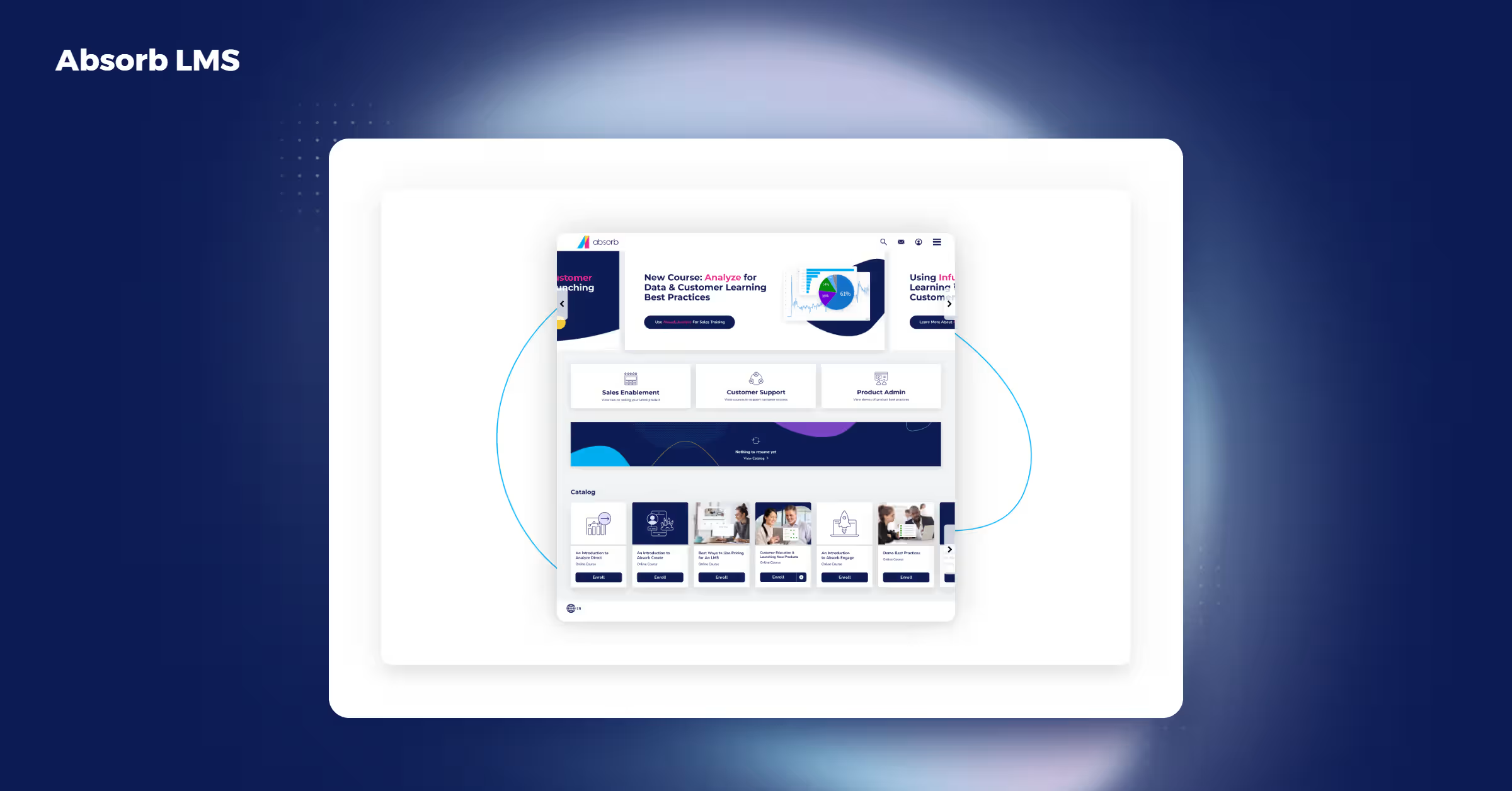
Absorb LMS is built for external audiences from the ground up, not adapted from an employee-training tool. That shows up in features like multi-tenancy and self-service support designed for people who aren't on your payroll.
Best for: mid-market to enterprise organizations who want to train customers, partners, and employees (or a mix of two of the three) on one platform, with proven scale across 90+ countries, deep enterprise integrations, and built-in compliance training support.
Important features
- Multi-tenancy
- Self-service knowledge bases
- Certification tracking
- 24+ language support
- Absorb Create: generates narrated video, screenshare, and slide courses with quizzes from a short description, cutting course-build time from roughly 49 hours to minutes
- Branding customization down to the department level: different learner groups can see different logos, colors, and terminology within the same portal.
- eCommerce module with more than 70 payment gateways and no transaction commission
- No fixed integration count. Pre-built connectors cover the usual CRM, video, and HR systems (Salesforce, Zoom, Workday, and others); an open API, Absorb Infuse (pulls training content into whatever app your team already works in), and support for login systems like Okta cover anything else, according to Okta's own Absorb LMS integration listing. What that means for you: if a tool isn't on the pre-built list, your team likely still has a way to connect it — just through a developer instead of a one-click setup
Proof points and case studies
- Dura-Line, a global broadband and telecom manufacturer: more than 32,000 course completions across nearly 90 countries and 6,300+ learners, covering customer education, partner enablement, and internal training together.
- Enstall, a solar-panel mounting hardware manufacturer: its product manager, Thomas Elshof, said "we consistently see that customers who take part in blended training have higher installation quality. They see a far lower rate of call-backs for installation fixes and similar repairs" — a named, attributed support-deflection result.
- A Forrester Total Economic Impact™ study: a composite Absorb LMS customer achieved 490% ROI over three years
- #1 G2 Grid® position in Customer Education Systems, Fall 2024 reports
- Pricing isn't published; you'll need to request a quote
Docebo
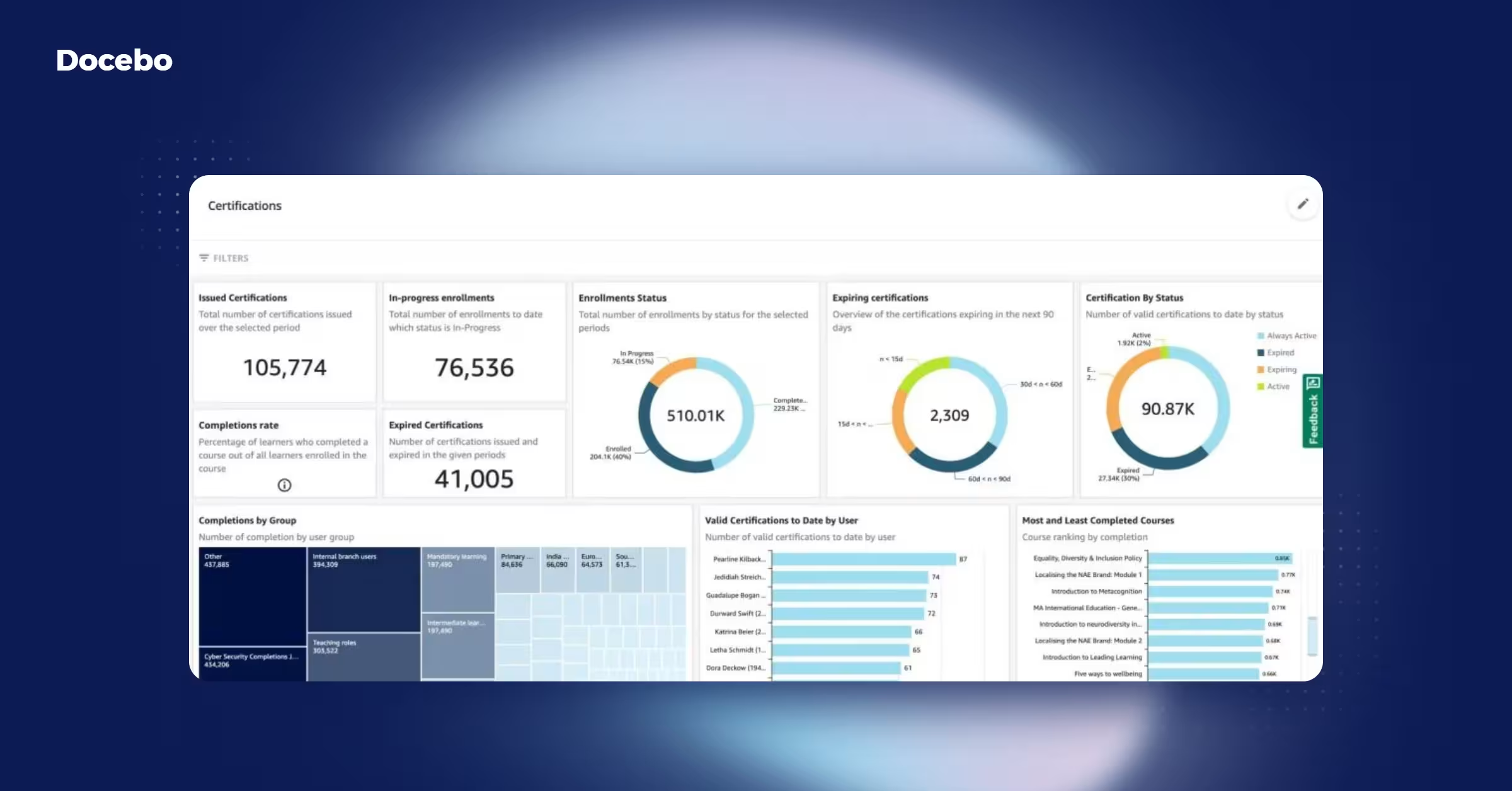
Docebo positions itself as an all-in-one platform for large, complex training programs.
Best for: large, enterprise organizations running complex, multi-audience training programs that need a wide range of pre-built integrations and don’t mind a steep learning curve.
Important features
- Docebo Creator: turns a prompt, document, or PDF into a structured lesson, with seven built-in game types and one-click translation into 45+ languages
- White-labeling included at the Elevate tier, and tier-gated e-commerce support, according to Docebo's pricing page
- More than 400 integrations, including Salesforce for CRM, Microsoft Teams and Adobe Connect for meetings, and SAML-based SSO, according to Docebo's integrations marketplace
Proof points and case studies
- Cloudbeds, a hospitality-software company that built its customer academy, Cloudbeds University, on Docebo: "customers who complete a course on CBU are 10% less likely to churn and 15% more likely to become daily active users of Cloudbeds software," according to Docebo's Cloudbeds case study.
- Pricing is tier- and active-user-based; you'll need a quote
TalentLMS
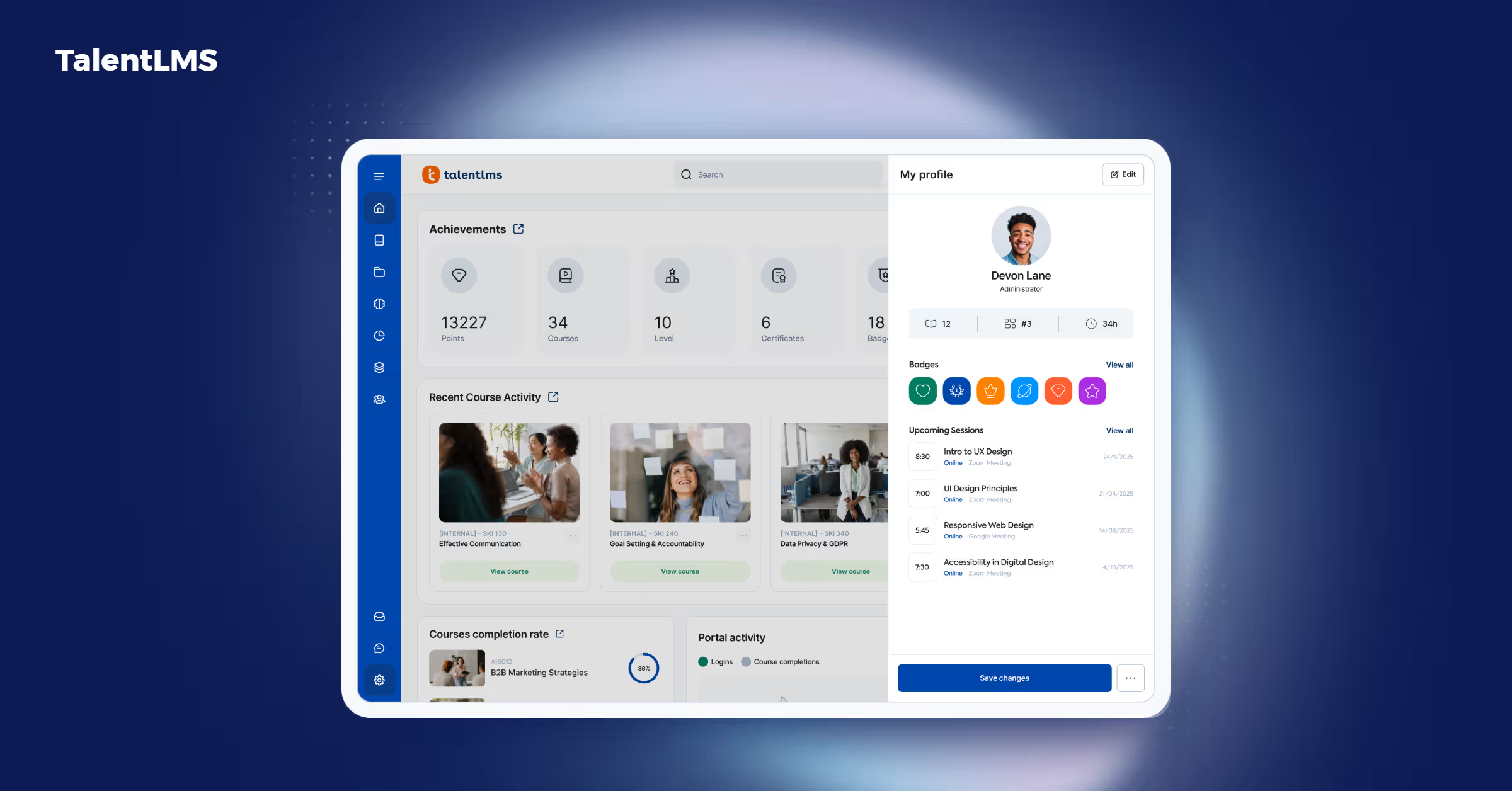
TalentLMS leans on ease of use and AI-assisted content creation.
Best for: small to mid-sized teams that want a course built fast and cheap, with a low learning curve.
Important features
- TalentCraft: generates pages, flashcards, and quizzes from a prompt, no design skills required, supports 15 languages
- Branding removal on paid tiers and a HubSpot integration, according to TalentLMS's pricing page
- Real tier pricing: Core at $119/month, Grow at $229/month, Pro at $449/month
- Native Stripe and PayPal integrations for selling courses, so buyers pay by card without leaving the page, according to TalentLMS's own announcement of the integration
- No published native-integration count, but Salesforce, BambooHR and its own TalentHR, and Zoom are its most prominent named connections, plus over 1,000 additional apps reachable through Zapier, according to TalentLMS's integrations page
LearnWorlds
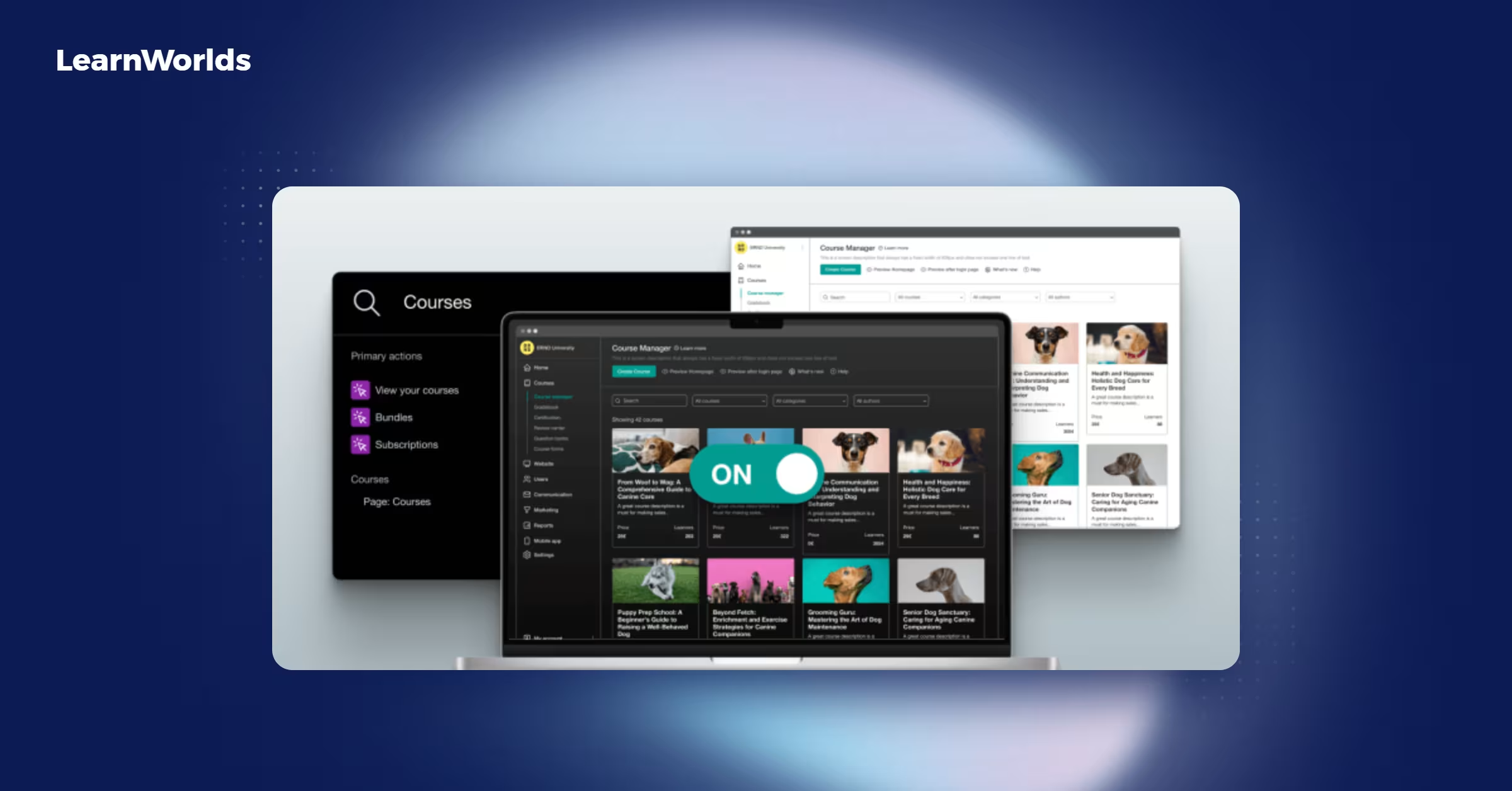
LearnWorlds publishes the most transparent pricing on this list.
Best for: SaaS companies and customer success teams at smaller organizations that want the richest interactive course-building tools of the six, plus full white-labeled branding.
Important features
- AI Course Creator: generates full course structures, pages, and assessments from source material
- Tier pricing: Starter at $29/month, Pro at $99/month, Learning Center at $299/month, according to LearnWorlds's pricing page
- Full white-labeling — a custom domain and no LearnWorlds logos — starting at the Learning Center tier
- Stripe, PayPal, and Shopify checkout for selling courses directly, with 0% commission on Pro and Learning Center plans, according to LearnWorlds's payments page
- 50+ native, built-in integrations — Stripe, PayPal, HubSpot, Zoom, Microsoft Teams, and Shopify among them — plus a few thousand more tools reachable through Zapier and similar automation platforms, according to LearnWorlds's integrations page
Proof points
- Workable, a recruiting-software company that built Workable Academy on the platform: "since launching Workable Academy, Workable has decreased their ratio of support tickets per monthly active user from 8.2% to 7.5%," according to LearnWorlds's Workable case study
- LearnWorlds' G2 rating is 4.7 out of 5 stars from 389 reviews, mostly from SMB organizations.
Skilljar
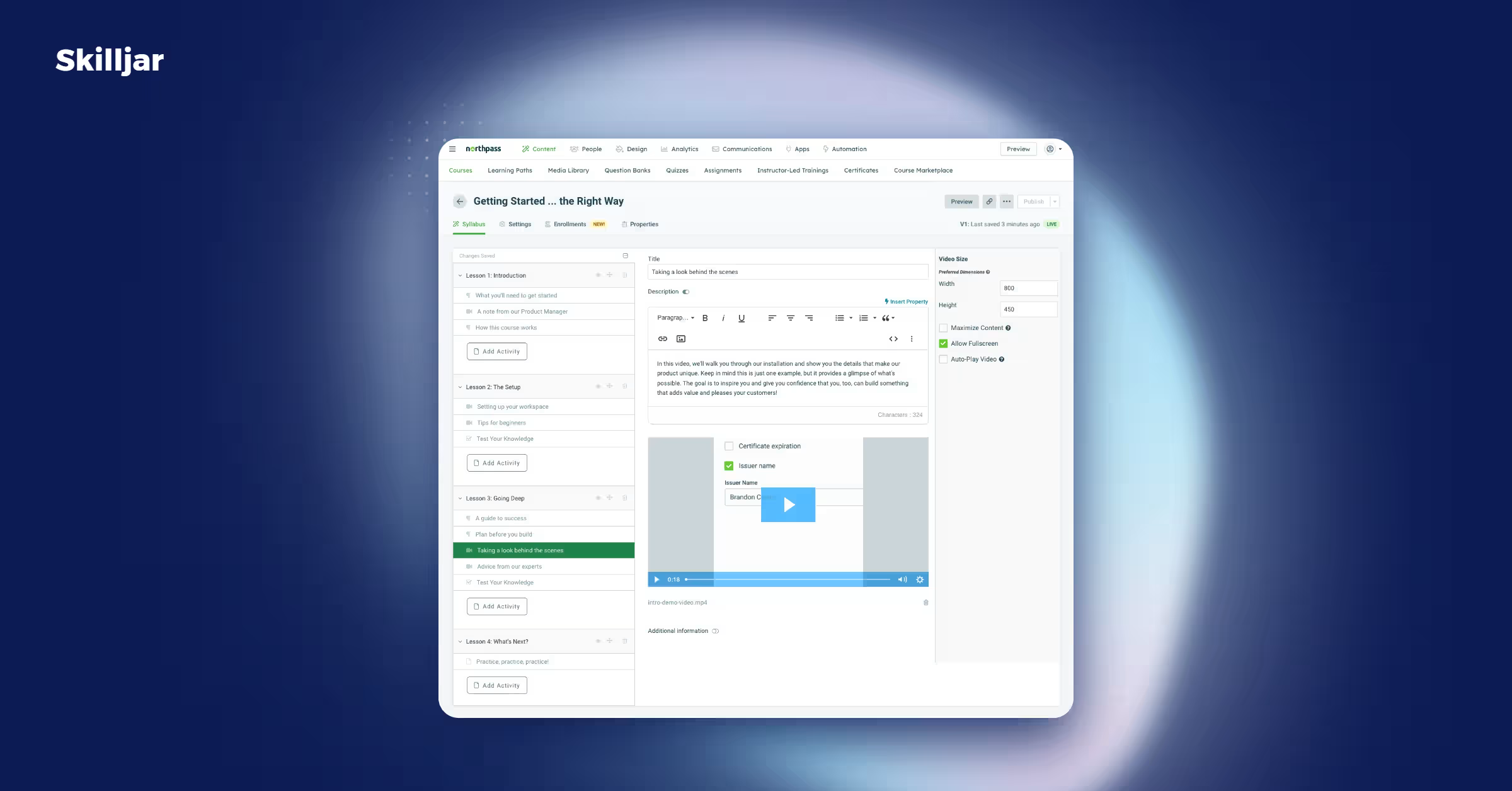
Skilljar was built specifically for customer education from day one.
Best for: companies whose training program is just customer education and nothing else, branded even on its cheapest tier.
Important features
- Built-in video and PDF uploads with quizzes, which you can mix with SCORM packages in the same course, according to a Skilljar blog post on course authoring
- Custom-branded Academy sites at every tier, with multi-currency e-commerce added at the Professional tier, according to Skilljar's pricing page
- No published total integration count, but its own integrations page organizes around eight categories, with Salesforce for CRM, Zendesk for support, Stripe/PayPal for payments, and Gainsight among its most prominent named connections, according to Skilljar's integrations page
Proof points
- Clever, an education-technology company: "support ticket volume is approximately 25% lower for District Admins who have engaged with content vs. those who haven't," according to Skilljar's Clever case study
- Pricing is subscription plus active-user fees; you'll need a quote for exact numbers
LearnUpon
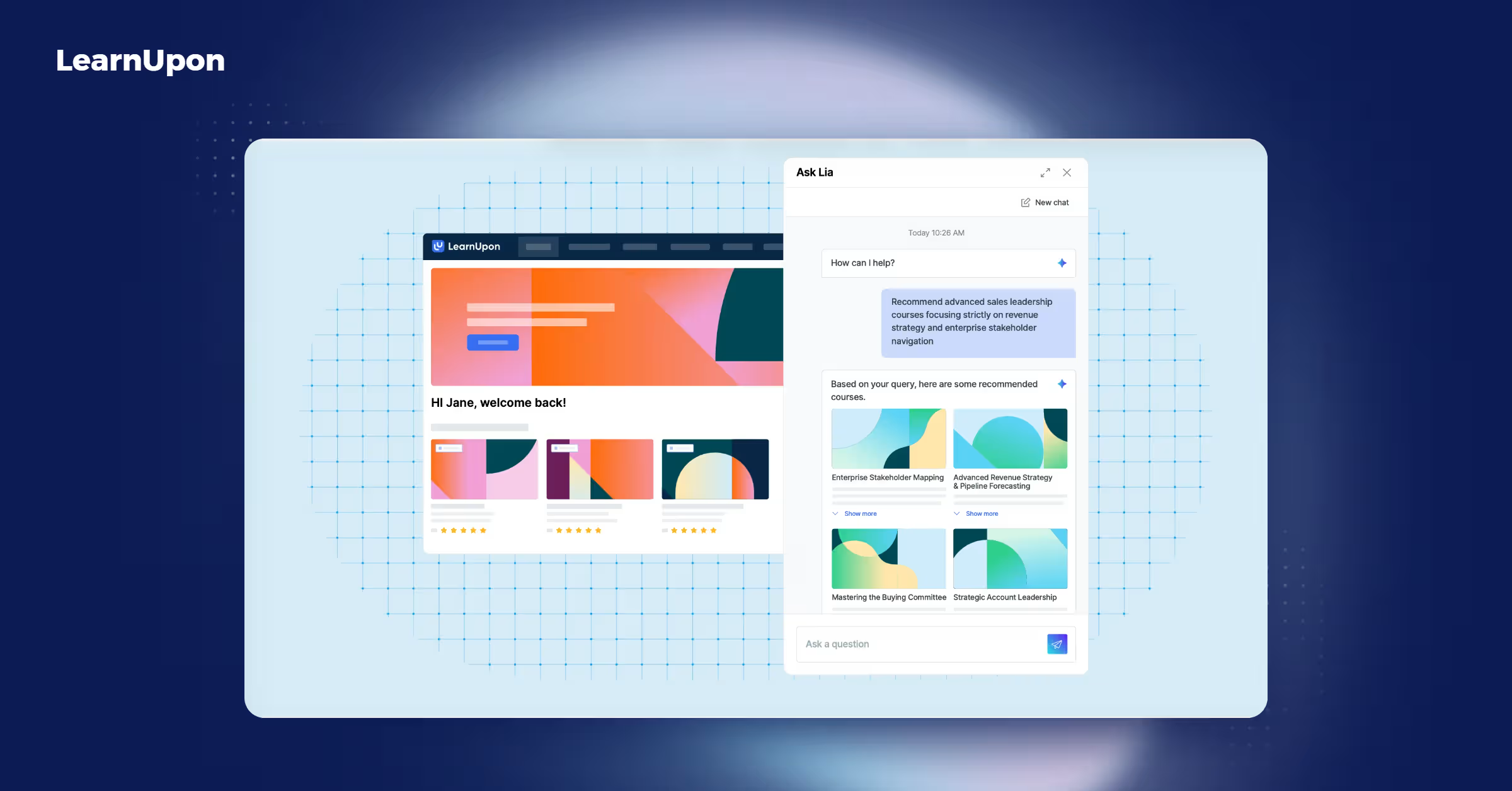
LearnUpon's customer education line is a dedicated product built specifically for this audience, with its own tier and feature set.
Best for: companies from SMB to enterprise (their own site says "Fortune 100s to rising SMBs") that want customer education kept as a clearly separate product line from employee training, with deep multilingual course support (120+ languages).
Important features
- Create+: agentic AI turns uploaded videos, PDFs, and presentations into course drafts, with translation into more than 120 languages
- A "LearnUpon for Customer Education" product line, starting at 300 users, with custom branding standard on that tier, according to LearnUpon's pricing page
- Full white-labeling and e-commerce reserved for the Enterprise plan
- No published total integration count, but Salesforce and HubSpot for CRM, several HRIS platforms including ADP, Paycor, and Dayforce, and Zoom and Microsoft Teams for video are named on LearnUpon's integrations page
Proof points
- gWorks, a government-software company that built a customer academy on the platform. Client Enablement Manager Marni Stewart said, "one of the biggest wow factors we had when we initially implemented it is we saw our support tickets decrease by 18%," according to LearnUpon's gWorks case study
- Pricing is quote-based
Which LMS fits your customer training use case?
The right platform depends less on which one scores highest overall and more on what you're actually training people to do.
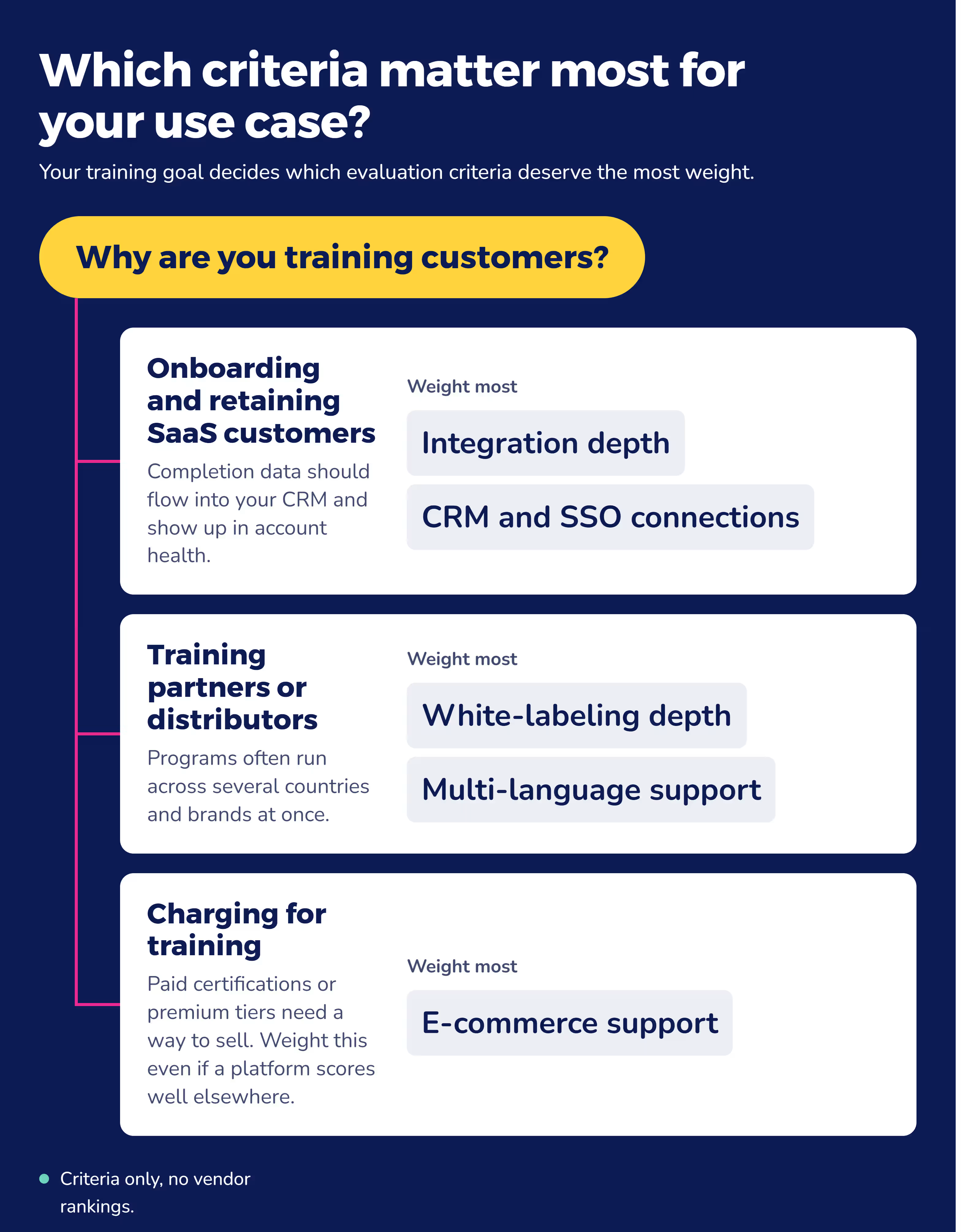
SaaS companies onboarding and retaining paying customers
If you're onboarding paying customers, integration depth matters most. You want completion data flowing into your CRM so you can tie training to account health, not just course completion.
Manufacturers and enterprises training external partners or distributors
Extended enterprise training — training partners, distributors, or installers outside your own walls — puts more weight on white-labeling and multi-language support, since you're often managing a program across multiple countries and brands at once.
Businesses charging for training as part of their product
If you charge for training — a paid certification exam, a premium onboarding tier, or a training program bundled into a paid plan — e-commerce and monetization support isn't optional. Weigh that criterion heavily even if a platform scores well everywhere else.
Frequently asked questions
What is the easiest LMS to use for customer training?
Platforms with strong AI course-creation tools — Absorb Create, Docebo Creator, and TalentCraft — have the easiest admin-side learning curve, since they cut most of the manual work of building a course. Easier setup doesn't mean fewer features; it usually means a more guided process.
What is the most commonly used LMS?
LearnWorlds reports 13,000+ learning businesses, according to LearnWorlds, followed by TalentLMS's 12,000+ customers, according to TalentLMS. But bigger doesn't mean better fit. LearnWorlds and TalentLMS skew toward small teams and course creators, while Absorb and Docebo's customer bases skew more enterprise.
What LMS do corporations use for customer training?
There's no single LMS every corporation uses. Docebo and Absorb are the most enterprise-focused choices in this shortlist. Docebo names Fortune 100 and federal clients directly; Absorb's own reviews skew toward 1,000+-employee companies. Large buyers prioritize SSO/SCIM, deep HR-system integrations, and proof at scale. Absorb covers all three.
How does customer training LMS reduce churn?
Trained customers understand your product better, run into fewer problems, and generate fewer support tickets. What varies is whether a vendor can prove it happened. Look for a named case study or an independent review, not just a stated percentage with no source attached.
Can I white-label a customer training LMS?
Yes. Docebo, LearnWorlds, and LearnUpon offer full white-labeling — a custom domain with no vendor branding — gated to their higher or Enterprise tiers. TalentLMS removes its own branding on paid tiers, and Skilljar includes custom branding at every tier. Absorb offers branding customization to the department level.
How much does a customer training LMS cost?
Cost depends on how many users, features, and integrations you need — which is why most customer training LMS vendors don't publish flat pricing. LearnWorlds charges $29–$299/month by tier; TalentLMS charges $119–$449/month. Docebo, Skilljar, LearnUpon, and Absorb price by quote, typically a tier plus an active-user fee. Don't assume unlisted pricing means more expensive. Ask for a quote.
How do I measure ROI from a customer training LMS?
Tie training data to a business outcome you already track — support ticket volume, renewal rate, or upsell rate — using reporting tools built for that kind of tracking. Absorb's own Forrester Total Economic Impact™ study measured ROI this way, against cost savings and productivity gains over three years; ask any vendor for that same outcome-based framing.
What CRM integrations does a customer training LMS need?
A CRM connection to Salesforce or HubSpot ties training data to account health, not just completions. Salesforce is confirmed for Absorb, Docebo, TalentLMS, Skilljar, and LearnUpon; HubSpot for Absorb, TalentLMS, LearnWorlds, and LearnUpon. Check a specific platform's own integrations page to confirm the one you need.
What about compliance training?
Compliance training covers legal, regulatory, and ethical requirements for employees and, often, your extended network of partners, the same audience as extended enterprise training. If your industry needs certification tracking and audit-ready records for external audiences too, look for that overlap. Absorb's compliance training solution handles both.
Choose the right customer training LMS for you
Start with whichever of the five criteria above matters most for your situation, then work down the list.
That approach beats chasing whichever platform has the highest overall score on G2. Whichever combination fits, you now have a criteria-based way to defend that choice to your own team, not just a gut call.
As Laura Malloch, Absorb's Manager of Customer Enablement, puts it:
"Building customer education programs that people actually seek out comes down to shifting from training as a requirement to training as a resource. Your content has to be current, your structure has to make it easy to find what you need in the moment, and customers need to feel like they're progressing, not just consuming content. When you get that right, they come back because it's helping them solve real problems, not because someone told them to."
Absorb LMS was built around this set of criteria: fast course creation through Absorb Create, a Salesforce integration for tying completions to account health, and proof points like the Dura-Line and Enstall case studies referenced above.
If those line up with what matters most for your program, Absorb's customer education page shows how the platform handles each one.


.avif)
