





When did you last finish a training course without speeding it up to 2x or drifting off halfway through? Most of us learn the way we search: a two-minute video here, a quick walkthrough there.
That’s why so many training teams — whether onboarding employees, running compliance, or training customers and partners — are shopping for a microlearning platform.
The hard part is choosing the right one for your needs.
This guide shows you how to judge a platform, what the research says about microlearning, and whether you need a tool separate from your LMS. Then you’ll get a list of the best microlearning platforms for 2026, grouped by use case. Absorb LMS is on the list, and we’ve labeled it as ours to be transparent.
By the end, you’ll have a shortlist you can defend to your boss and the questions to ask in every demo.
What is a microlearning platform?
A microlearning platform is software that creates, delivers, and tracks short, focused lessons. It can be a standalone app or part of a learning management system (LMS). Lessons usually run a few minutes, are built for mobile, and come with quizzes, reinforcement, and reporting so you can see what people learned.
Researchers describe microlearning the same way. A scoping review in JMIR Medical Education defines it as small lesson modules and short-term activities intended to teach and reinforce course objectives.
You’ll also see it called microlearning software, a microlearning app, or a microlearning LMS. It differs from traditional eLearning in scope. A standard course covers a topic end to end, while a microlearning lesson covers one skill or fact.
Tools also split by job. Some only help you author lessons, and some only deliver them.
A full platform does both and tracks the results. That split matters when you decide where microlearning should live.
Microlearning examples
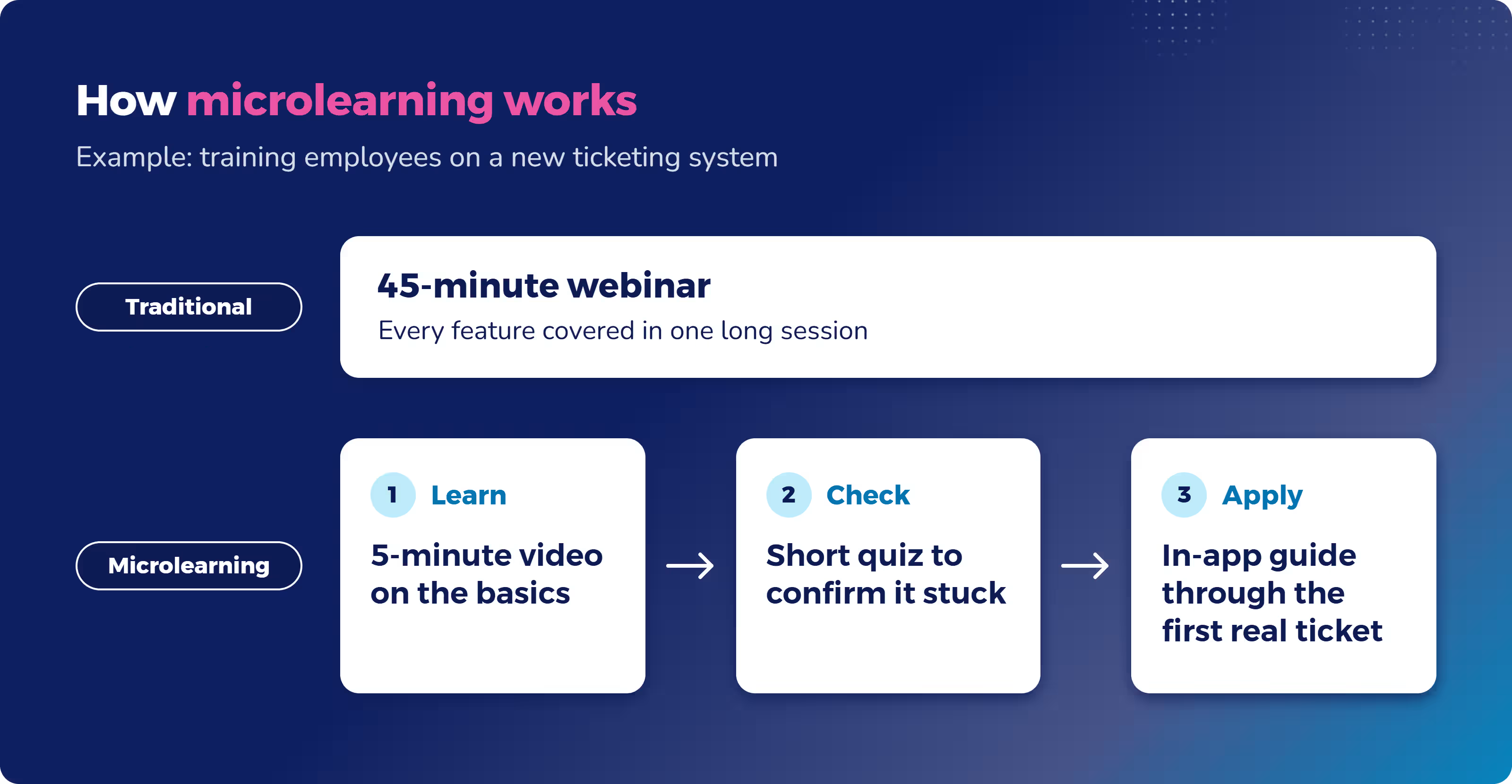
Say your support team is switching to a new ticketing system. Instead of a 45-minute webinar, you send a five-minute video on the basics. A short quiz checks that it stuck. Then an in-app walkthrough guides each person through their first real ticket.
Common formats include short videos, quizzes, flashcards, scenarios, in-app walkthroughs, and lessons sent by chat or text.
Here’s how two Absorb customers use it:
- Solar installers at Enstall use two- to five-minute courses while they work. The courses made it easy for installers to access critical safety and product guidance on the job, improving installation quality.
- Restaurant crews at Five Guys fit training around their shifts. Bite-sized lessons made it easier for crew members to complete training during work or on their own devices.
Does microlearning actually work?
Yes, for the right jobs. Microlearning works well for reinforcing knowledge and teaching quick, specific tasks. It works less well as the only way to teach complex skills.
What the research says
The main microlearning benefits come from two learning techniques that short lessons make easy to use.
The first is spaced practice, spreading learning out over time instead of cramming it into one session. Microlearning tools often call this spaced repetition.
A study of more than 1,350 people by Cepeda and colleagues found that lasting knowledge retention generally requires studying material more than once with a break in between. The best length of break depends on how long you need to remember the material for, e.g., a week or a month.
A meta-analysis by the same research group pulled together 839 assessments of spaced practice across 317 experiments.
The second is retrieval practice, or quizzing yourself. Research by Roediger and Karpicke found that prior testing led to notably better long-term retention than simply re-studying material.
A major review of learning techniques by Dunlosky and colleagues rated both practice testing and spaced practice as “high utility.”
Short lessons with regular quizzes use both techniques. That’s how microlearning can improve knowledge retention.
Chris Ball, Absorb’s Technical Product Manager, sees the same thing in product training:
“In product training, completeness is a trap. A focused eight-minute video that people actually complete and apply is worth more than a 45-minute course that 30% of people drop halfway through. You also have to let go of the idea that if you explain something clearly once, people get it. Repetition isn’t a failure of the first explanation, it’s just how learning works.”
Where microlearning doesn’t work
Short lessons are good at refreshing and reinforcing what people have already learned. Skills that need practice, feedback, or coaching usually need longer training too.
Think of a new manager learning to run tough conversations, or a technician learning a complex repair.
The evidence for microlearning’s effect on job performance is a bit thin. In the JMIR Medical Education review, only 29% of studies measured behavior change, and none measured real-world results. The learners studied were health professions students, not employees.
So microlearning looks promising, but most research doesn’t go further than how learners felt and what they remembered.
How to tell if it’s working
Completion rates alone tell you only that people clicked through. To see whether microlearning is working for your learners, track:
- Quiz scores over time, not just on the first attempt
- On-the-job behavior, like error rates or safety incidents
- How long it takes new hires to get productive
Your platform should make these easy to pull. In Absorb LMS, for example, Absorb Analyze is built to tie training programs to organizational KPIs.
Microlearning in your LMS or a separate tool?
If you already run formal training in an LMS, start there. A separate microlearning tool makes sense in a few specific cases.
But if you handle compliance, onboarding, or more than one audience, keeping microlearning in your LMS saves work and keeps your records in one place.
When a separate microlearning tool makes sense
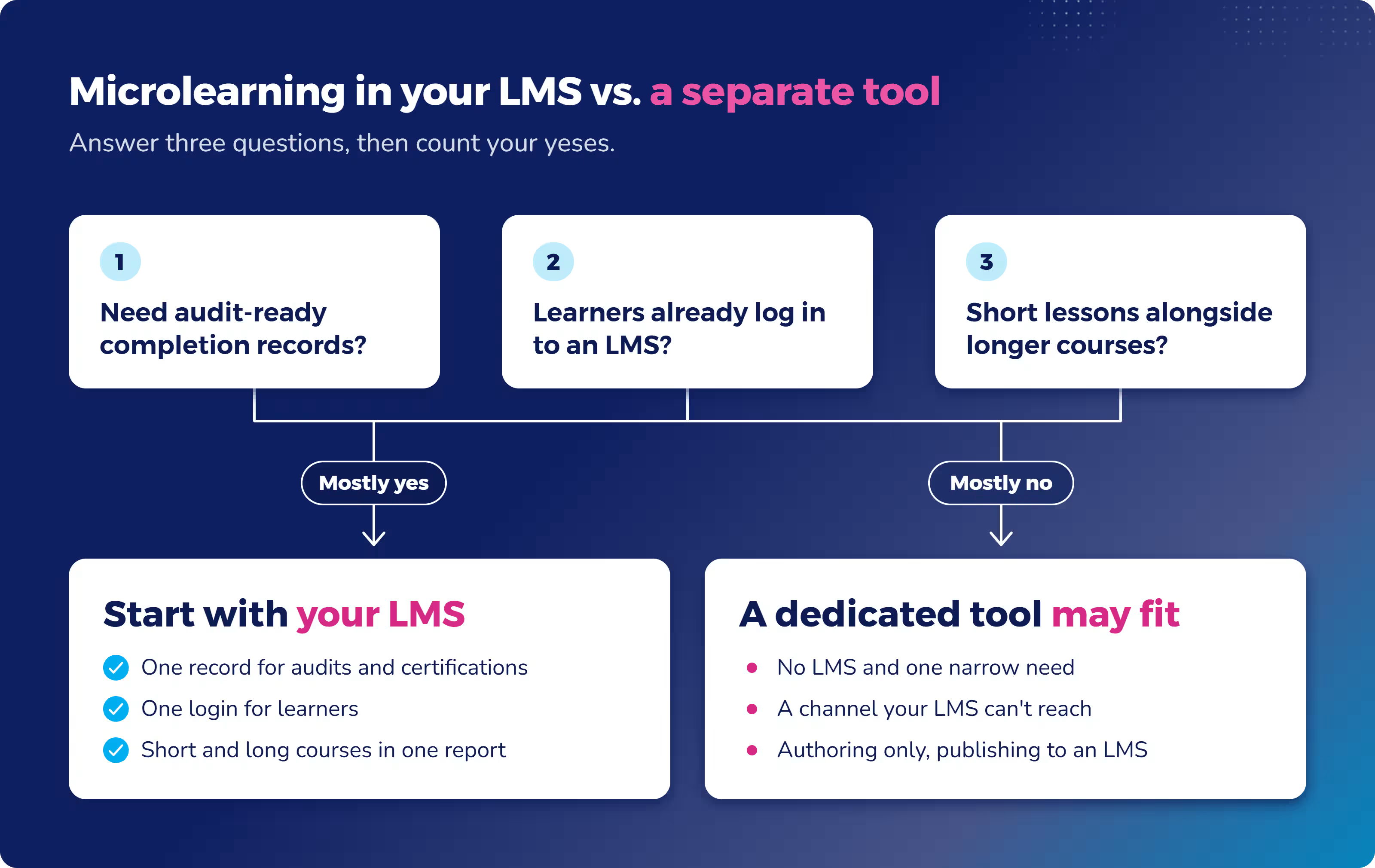
A dedicated tool can be the right call when:
- You don’t already have an LMS
- You have one narrow need, like refreshers for a single frontline team
- You need a delivery channel your LMS can’t reach, such as text messages or a chat app
- You only need an authoring tool and plan to publish lessons into an LMS anyway (many authoring tools export SCORM files an LMS can run)
In those cases, a focused tool can be faster to set up and cheaper to run.
When microlearning belongs in your LMS
For most organizations, microlearning is one part of a larger training program. Keeping it in your LMS, rather than a standalone app, gives you:
- One record of who completed what, which matters for compliance audits and certifications
- One login for learners
- One report that covers short lessons and longer courses
- Short lessons inside learning paths, next to onboarding and compliance courses
- No second system to buy, connect, and manage
This is how Absorb LMS is built, for example. You can break long content into bite-sized microlearning lessons and deliver them through a mobile app that works online and offline. Certifications and compliance tracking sit in the same system.
Dura-Line shows what that looks like. The company turned its training into bite-sized, stackable mini-courses, so learners build knowledge at their own pace and earn co-branded certificates.
A quick way to decide
Answer three questions:
- Do you need audit-ready completion records?
- Do your learners already log in to an LMS?
- Will short lessons sit alongside longer courses?
If you answered yes to most of them, a microlearning LMS is the better fit. Start with the one you have.
How to evaluate a microlearning platform
These six criteria cover the microlearning platform features that matter most.
Use them to compare any platform, including ours. They’re also how each platform’s “best for” is labeled in the list below. Not every criterion matters equally for every team, so rank them against your own training goals before you book demos.
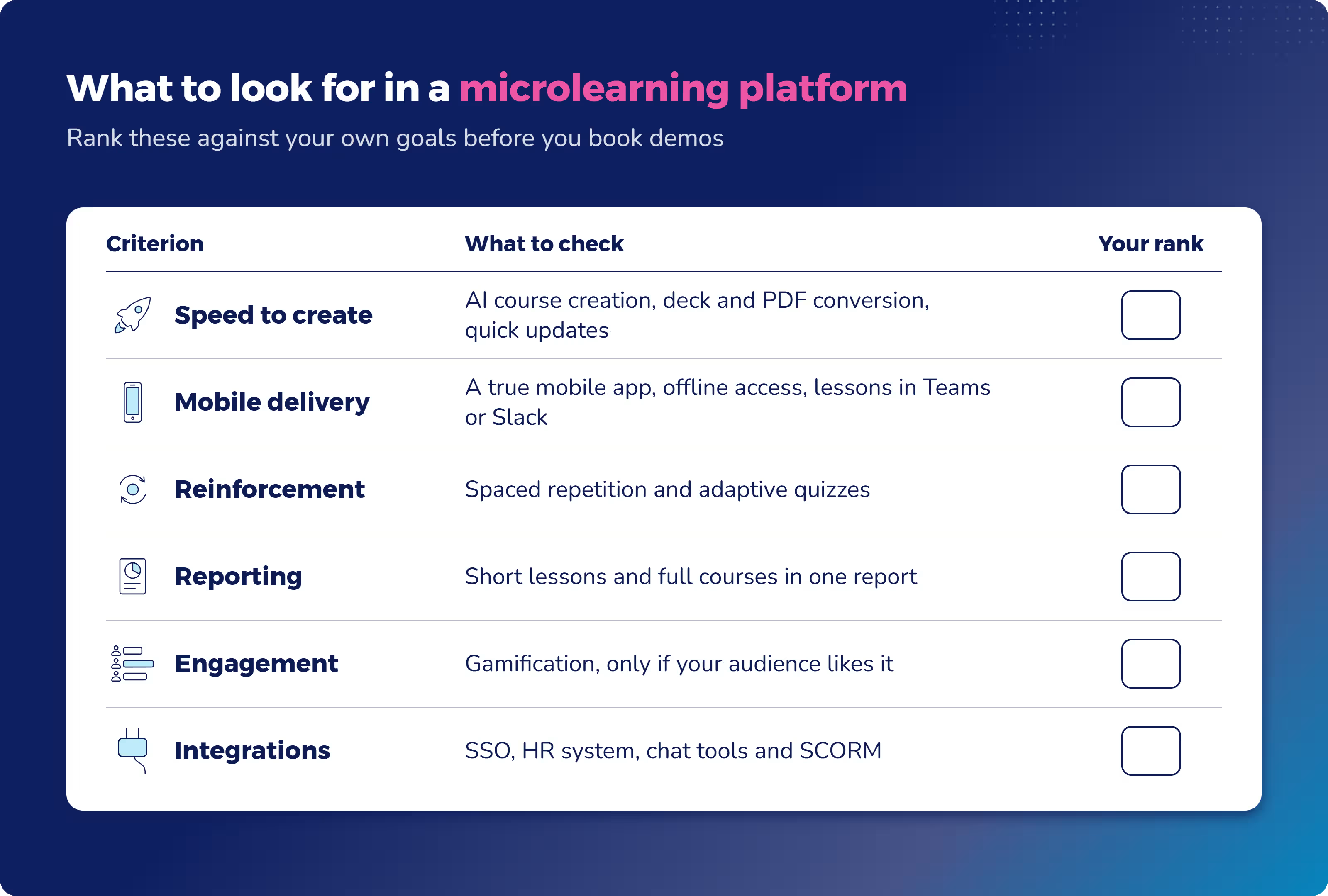
1. Speed to create and update content
Short content goes out of date fast, so creation speed matters more than a long feature list. A product changes, a policy gets updated, and last month’s lesson is wrong.
Look for AI-assisted course creation, templates, and a way to turn existing material, like slide decks or PDFs, into short lessons. Then ask how long it takes to update a lesson once it’s live, and whether the change reaches learners right away.
2. Mobile and on-the-job delivery
A lot of microlearning happens on a phone, often in a few spare minutes between tasks, so mobile microlearning has to work well on a small screen. Check for a real mobile app, not just a website that shrinks to fit.
Field teams need offline access, so lessons still work in a warehouse or on a job site with no signal. It also helps when lessons show up where people already work, such as Microsoft Teams, Slack, or inside other software.
3. Reinforcement built in
Retention comes from repetition and recall. Look for spaced repetition that brings key points back over days or weeks, plus quizzes that make people recall answers.
The best tools adapt follow-ups to each learner’s answers — resurfacing what each person got wrong and skipping what they already know.
4. Tracking and reporting you can audit
You need to see completions and certifications, and you may need to prove them to an auditor. Check that the platform tracks every short lesson, not just full courses.
The best setups show short lessons and longer courses in the same report, so you’re not stitching data together from two systems. Ask to see a sample report during the demo, filtered by team or location.
5. Engagement features that fit your audience
Gamification, leaderboards, and social features help keep frontline and hourly teams coming back. For busy office teams, they matter less.
Do microlearning platforms need gamification? Only if your audience responds to it. A leaderboard can energize a retail team and annoy a group of senior engineers.
6. Integrations and fit with your stack
A platform that doesn’t connect to your other systems creates manual work. Check for single sign-on (SSO), so learners don’t juggle another password, and an HR system connection, so new hires get enrolled automatically.
Confirm it works with the chat tools your people already use. If you’ll bring in existing courses, confirm SCORM support.
The best microlearning platforms in 2026 by use case
The 13 platforms below are grouped by the job each one does best. Many fit more than one group. “Best for” is based on the six criteria above and each vendor’s own description of its product. Absorb LMS is marked as our own platform.
Platform | Best for | How learners get it | Full LMS or dedicated tool |
Absorb LMS (our platform) | Microlearning inside a full LMS: mid-size to enterprise orgs, onboarding, compliance, frontline, customer education | Web, plus a free iOS and Android app that works online and offline | Full LMS |
TalentLMS | Easy-to-start LMS for employee, partner, and customer training | Web, plus iOS and Android apps | Full LMS |
Axonify | Frontline training in retail, grocery, hospitality, and logistics | Mobile platform and web | Dedicated frontline tool |
eduMe | Frontline training inside tools people already use | Workday, Microsoft Teams, your employee app, SMS, email, QR code | Dedicated frontline tool |
TalentCards | Flashcard microlearning for deskless teams | Mobile app (iOS and Android) | Dedicated tool (pairs with TalentLMS) |
Mitti Training | Frontline safety and regulatory training | Mobile-first app, works offline | Dedicated tool (part of Mitti) |
Litmos | Compliance training with certification cycles | Web and mobile | Full LMS |
Docebo | Enterprise, multilingual programs | Web and mobile (branded app extra) | Full LMS |
Spekit | Sales training inside the tools reps use | Salesforce, Chrome extension, Slack, email | Dedicated sales tool |
Qstream | Spaced reinforcement for sales and customer-facing teams | Mobile and SMS | Dedicated microlearning tool |
7taps | Fast lesson creation, shared by link | Passwordless links by email, SMS, Slack, Teams, WhatsApp | Dedicated microlearning tool |
Easygenerator | Subject matter experts building courses | Built in a web app, delivered through your LMS | Dedicated authoring tool |
LearnUpon | Employee, customer, and association training | Web and mobile (iOS and Android) | Full LMS |
Best for microlearning inside a full LMS
Pick from this group if you want short lessons alongside onboarding, compliance, and longer courses.
Absorb LMS (our platform)
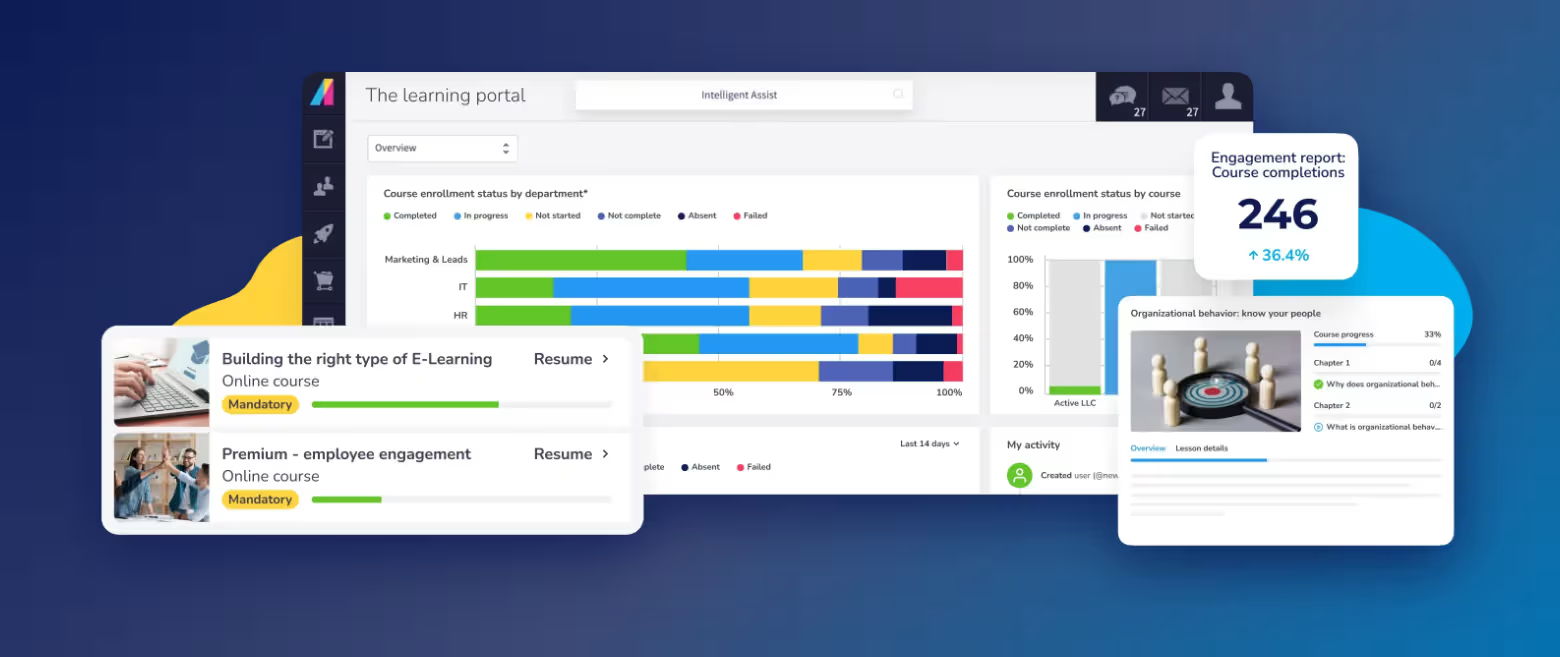
Absorb LMS puts microlearning and the rest of your training in one system. You build short courses and learning paths, assign them by role, and track everything in the same reports — no second tool to manage and only one learning record to show an auditor.
Absorb Create handles course authoring with speed. Its AI Creator feature generates a microlearning course from a short description or outline, and PowerPoint conversion turns existing decks into editable lessons.
Learners use a free iOS and Android app that downloads content for offline use and syncs progress when they reconnect.
Absorb Engage adds leaderboards, polls, and social learning. Absorb Analyze ties it all to your KPIs.
Absorb Aura, the platform’s suite of AI agents, helps learners get quick answers and serves them micro-courses without leaving their workflow.
That mix works especially well for onboarding, where new hires need short lessons inside a longer learning path.
But Absorb LMS goes beyond onboarding and is designed to help different audiences learn: employees, customers, and partners. Five Guys used it to bring course building in-house and saved over £15,000 in the first year.
On G2, a national director of talent development with 1,000+ employees described Absorb this way: their frontline staff, spread across the country, get training on a phone between shifts, and Absorb handles that without extra workarounds.
Pricing is quote-based, so you’ll need a conversation with the Absorb team to compare costs.
TalentLMS
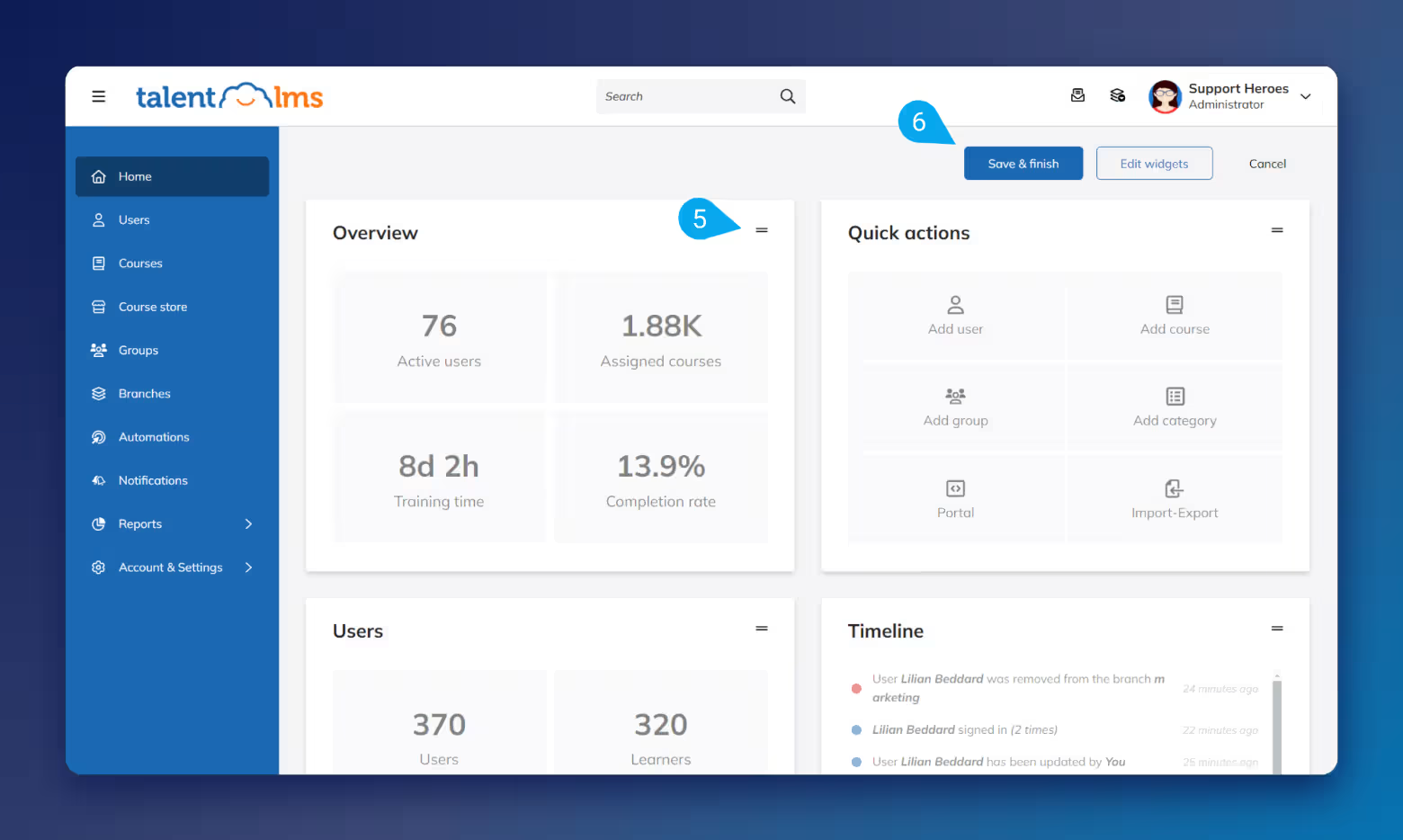
In TalentLMS, short lessons sit inside a full LMS, next to onboarding and longer courses. It’s built to be easy to start with, covering employee, onboarding, partner, and customer training, with iOS and Android apps.
Gamification is built in, with points, levels, badges, and rewards. The free plan caps you at five users and 10 courses, so it’s a test drive rather than a long-term option for larger teams.
Best for frontline and deskless teams
This group is for shift workers who don’t sit at a desk or check work email.
Absorb LMS
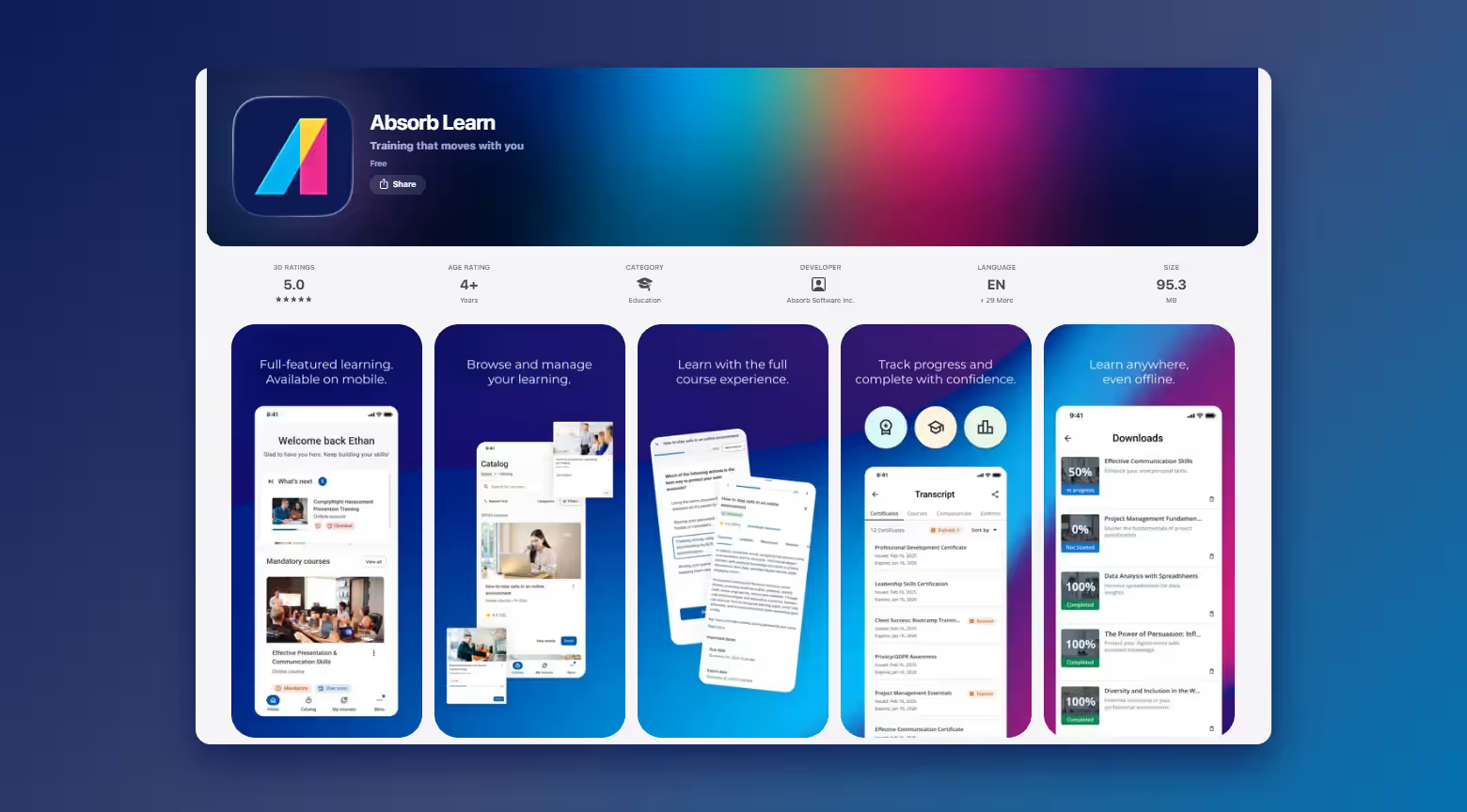
Absorb LMS reaches frontline teams through a free mobile app that works offline, with leaderboards and gamified courses (including microlearning) to keep people coming back. Suncor delivered gamified, mobile-friendly courses to over 11,000 staff across 1,800 locations. Course completions rose by 300%, and new content earned a 4.8 out of 5 rating and 97% positive feedback from thousands of learners.
Since it’s a full LMS, you only need one system to train your frontline and office workforce. A full LMS takes more planning to roll out than a single-team app, so give yourself time to set up roles and learning paths.
Axonify
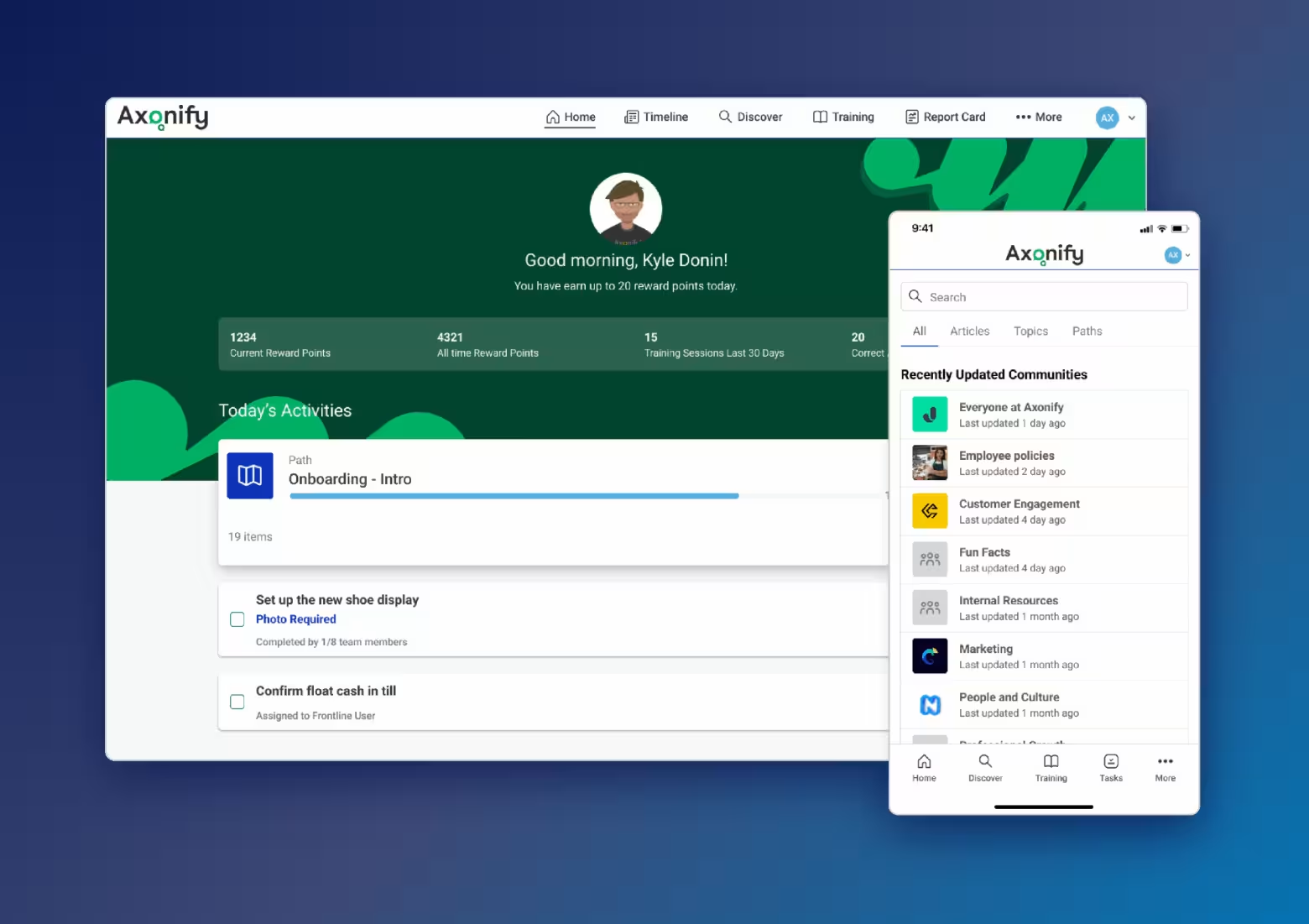
Axonify was built for frontline teams, describing itself as an "AI-powered frontline enablement platform" with “immersive microlearning.” It’s built for retail, grocery, hospitality, and logistics teams, and uses points, leaderboards, and games to keep people engaged. It’s a dedicated frontline tool, so if you also train office staff or run compliance in an LMS, you’ll need to manage two systems.
eduMe
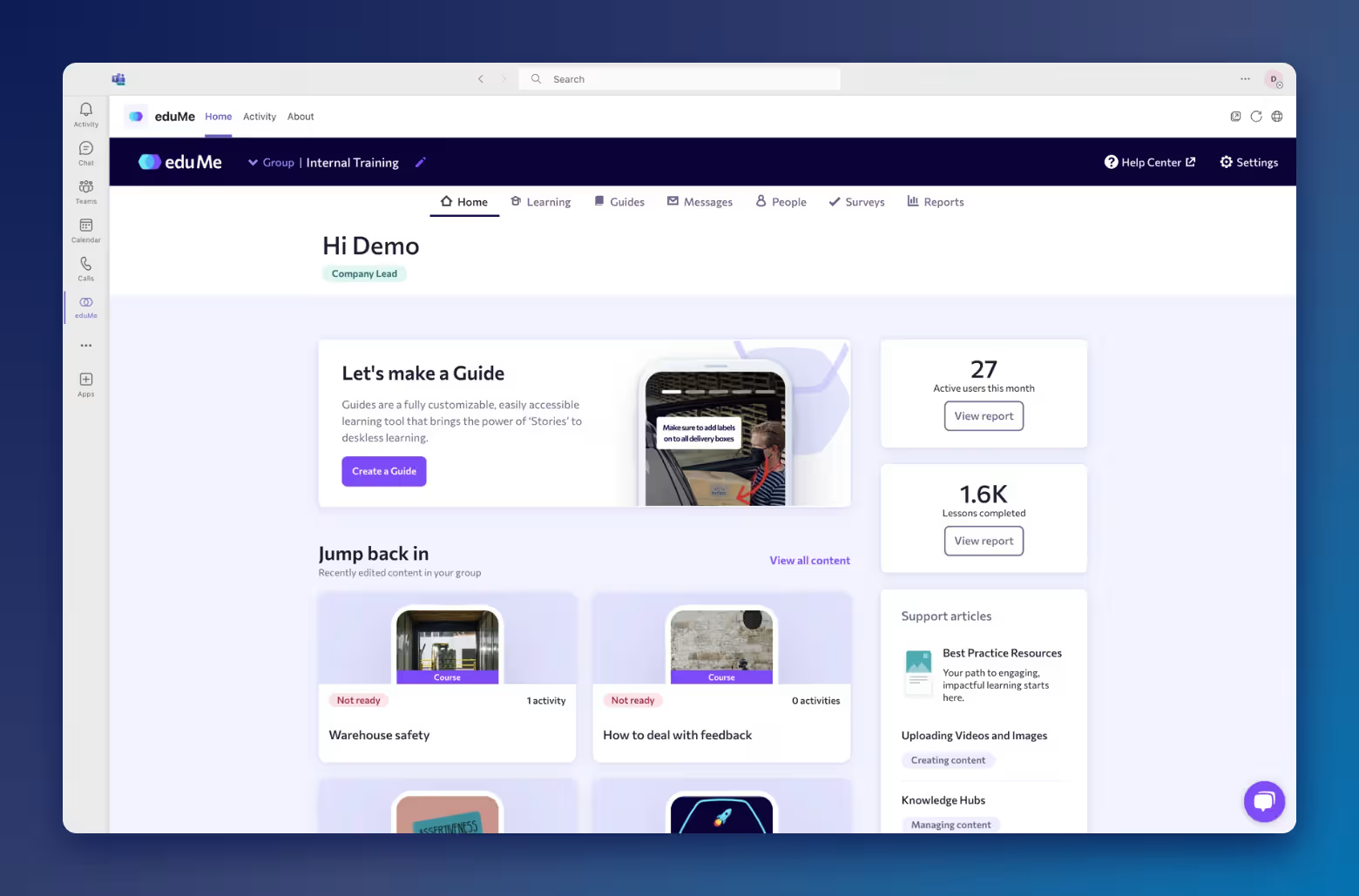
With eduMe, frontline workers can reach training without an app to download or login to remember. Learners can open training in one tap through tools like Workday and Microsoft Teams, through your own employee app, or by SMS, email, or QR code. It’s built for frontline teams, so longer or office-based training may need another system.
TalentCards
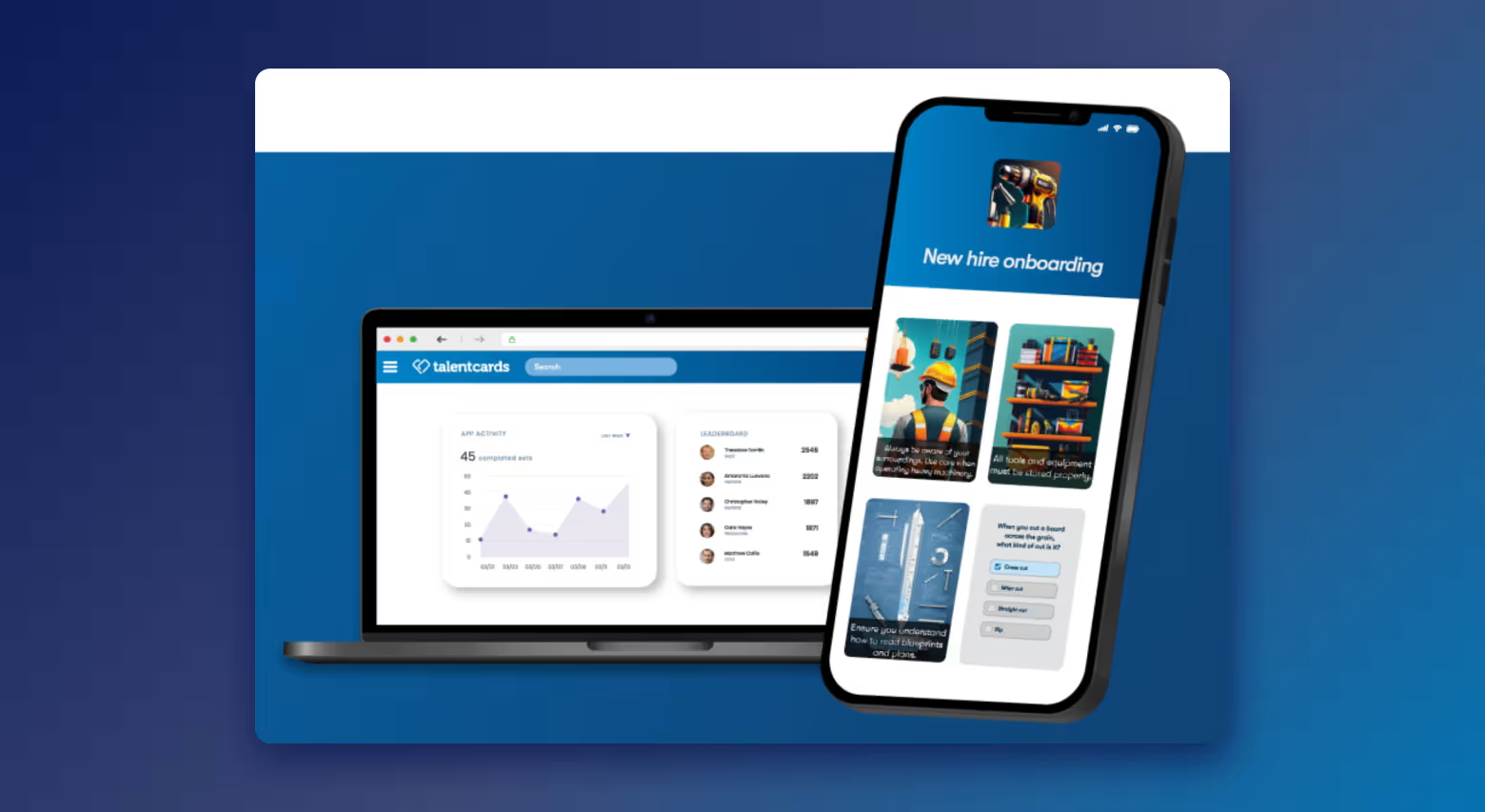
TalentCards is designed for deskless teams, with flashcard-style lessons in a mobile-first app. It comes from the makers of TalentLMS. It’s great for quick visual refreshers, and a free plan covers up to five users. Flashcards suit reinforcement better than full courses, which is why it’s designed to pair with TalentLMS.
Best for compliance and safety training
Look here for refreshers and policy updates that need an audit-ready record.
Absorb LMS
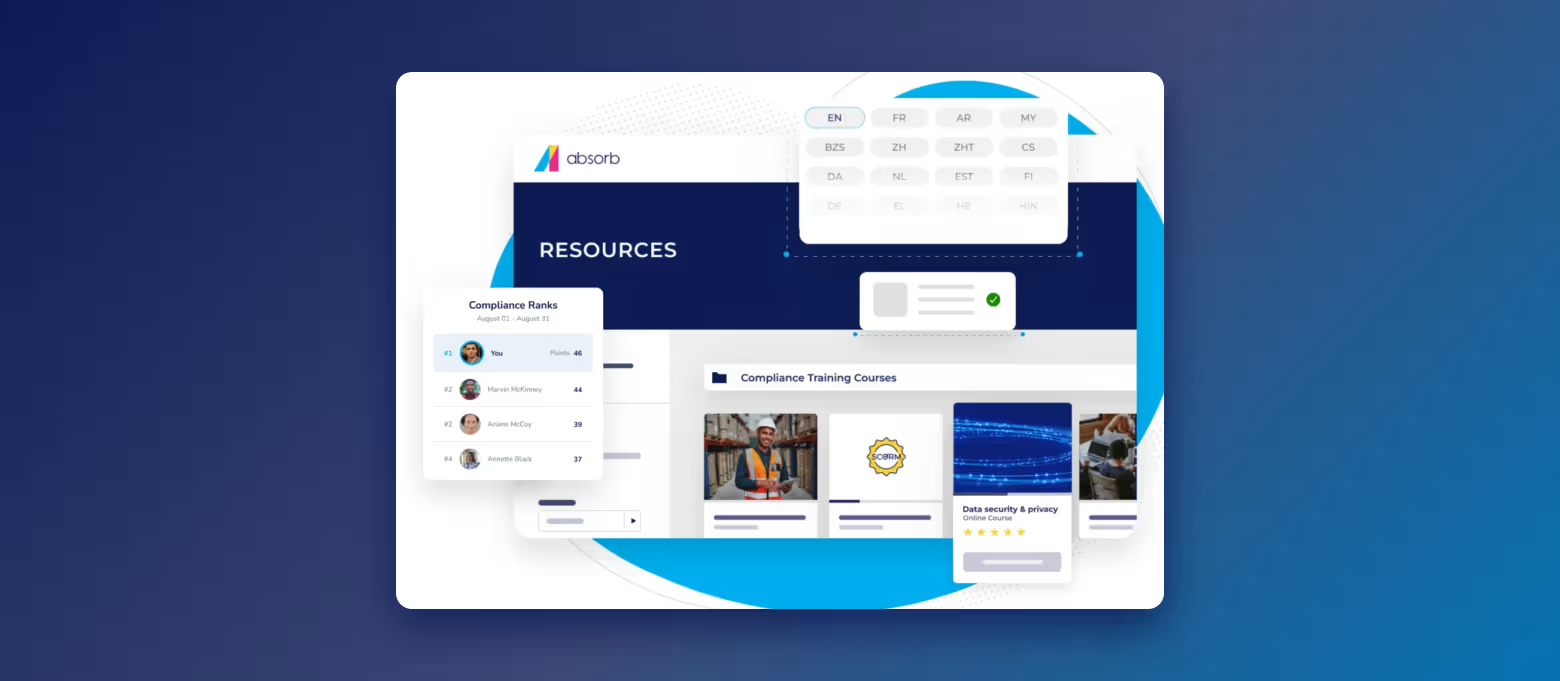
Absorb LMS keeps compliance microlearning and the records auditors ask for in one place. Certifications and compliance tracking are built in, so you track short refreshers alongside full courses, even ones learners complete offline on the mobile app. At Five Guys, compliance course completion increased from 70% to 96%.
It’s a full LMS, so if you only need a few safety refreshers for one small team, a free dedicated tool may be enough to start.
Mitti Training (formerly SC Training and EdApp)
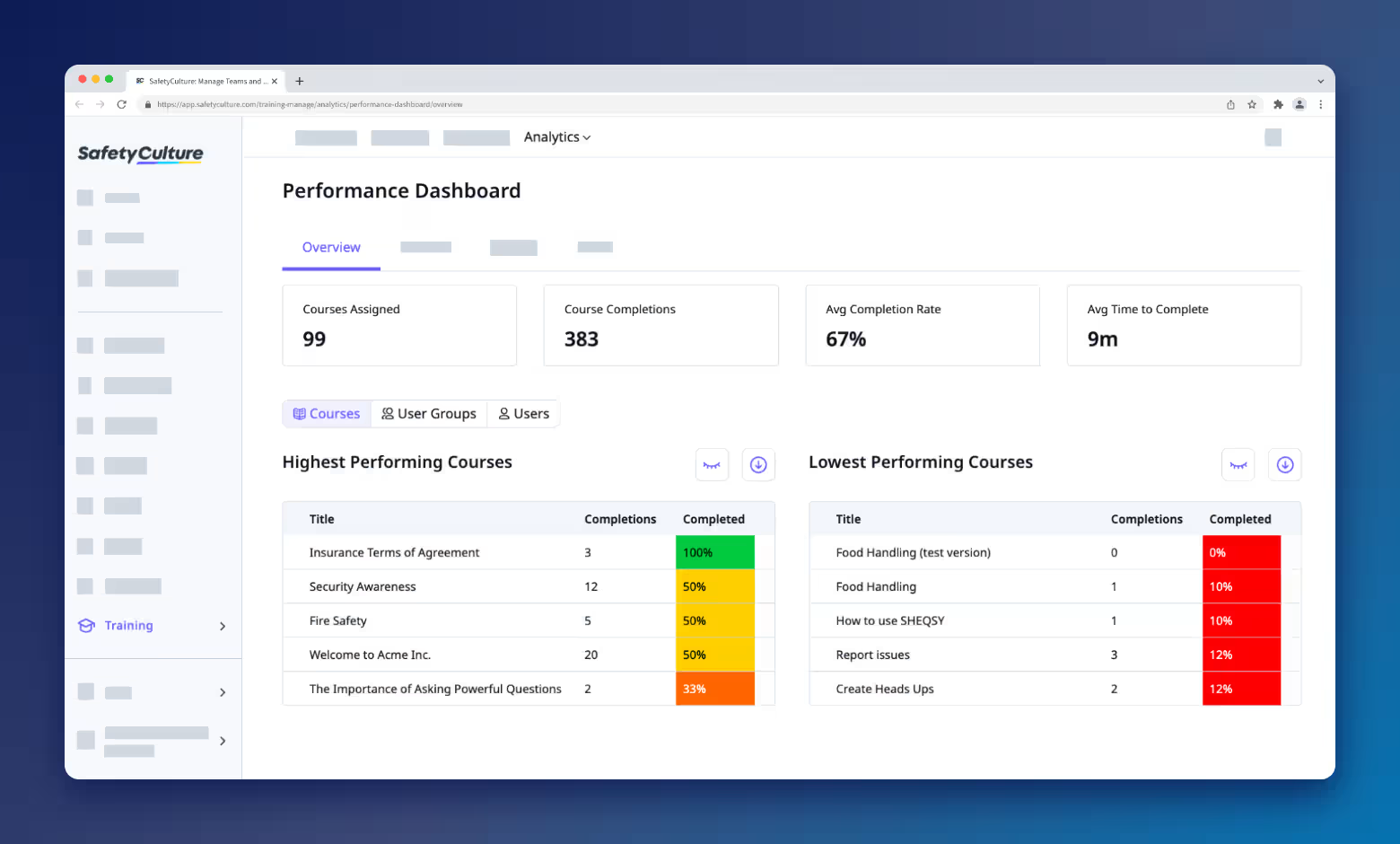
Mitti Training pairs short safety lessons with certificate expiry tracking (in a separate feature), so you can see when someone’s certificate expires. It offers bite-sized, mobile-first lessons and 900 free, editable courses, including regulatory training. It works offline, suits deskless teams, and is free up to 10 users (for basic training only).
It’s part of Mitti’s wider operations platform, so if you don’t use Mitti’s other tools, it’s one more system to run.
Litmos
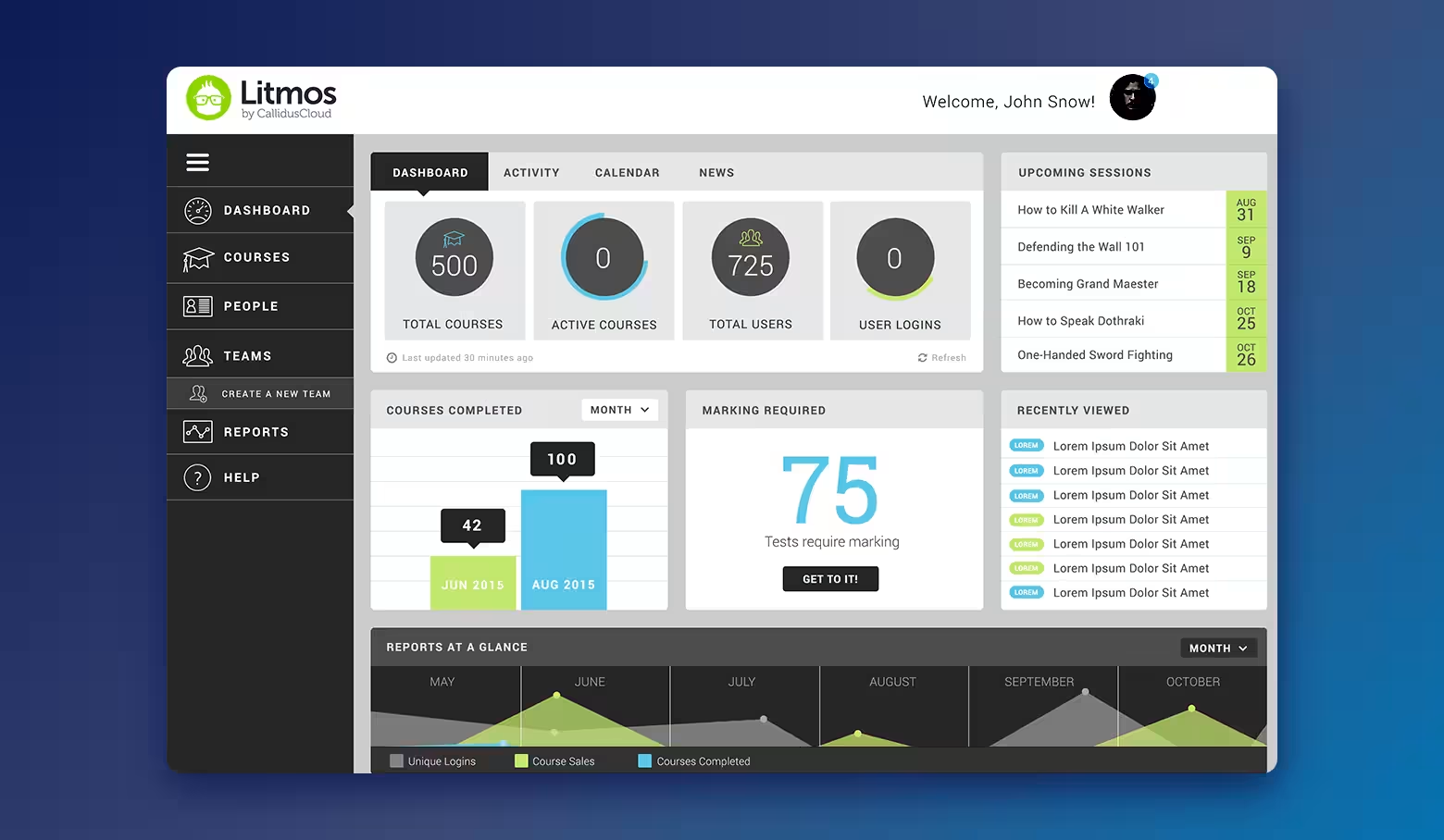
Compliance automation is what puts Litmos in this group. It’s a full LMS that promises automated certification cycles to keep every team compliant and audit-ready, plus contextual microlearning. Pricing is quote-based, so you’ll need a sales conversation to compare costs.
One caution for this whole group: microlearning is great for refreshers, but on its own it may not meet rules that require a set number of hours or specific content. Check what your regulations require.
Best for global and multilingual teams
These platforms suit programs that run across many languages and regions.
Absorb LMS
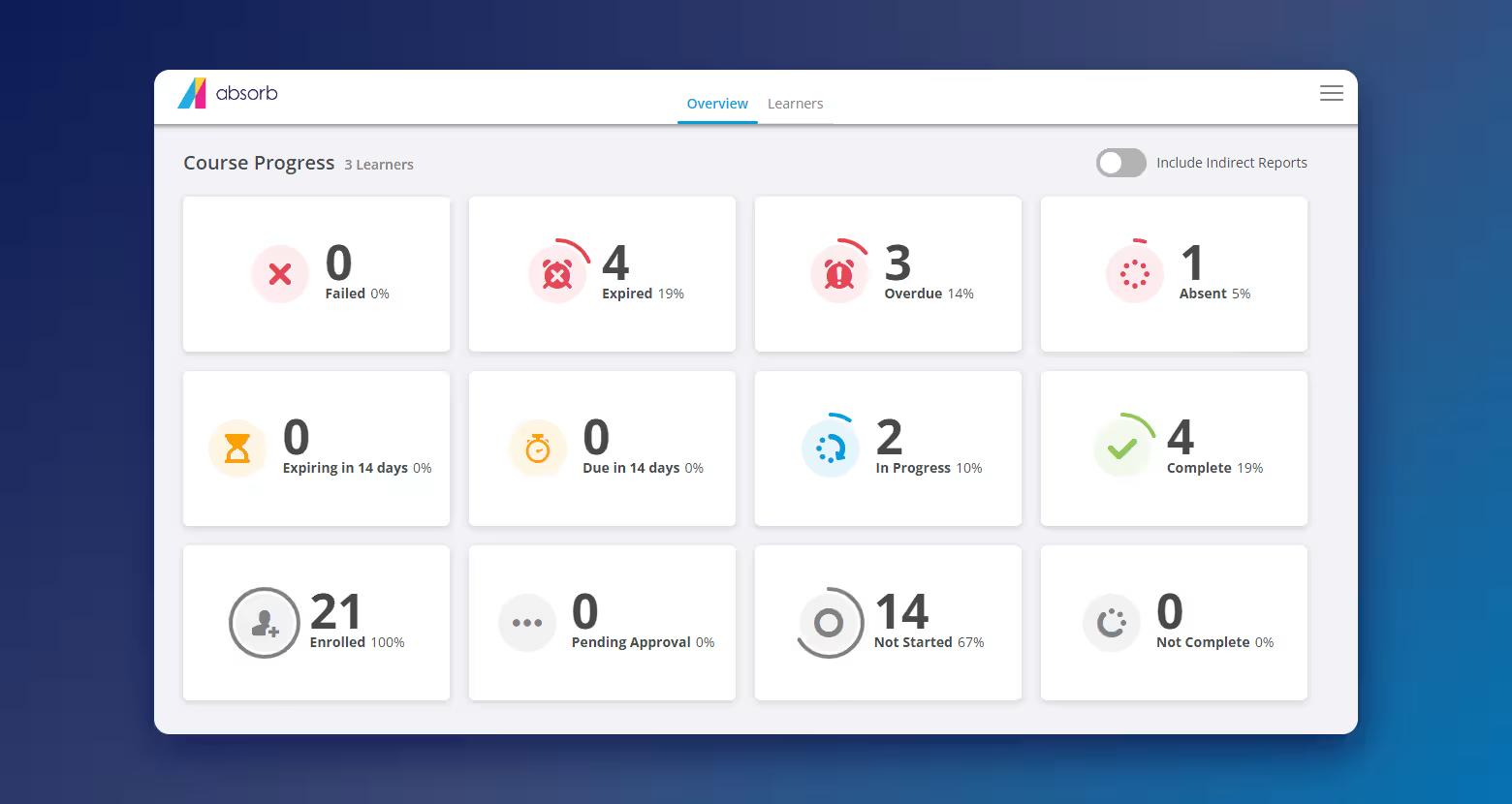
Absorb LMS runs multilingual programs from one platform, so every region shares the same courses, records, and reports. Enstall built short, multilingual microlearning courses for installers in more than 25 countries. Suncor runs bilingual training in the same system.
Translated lessons still need a check from someone who knows each market, so plan time for local review.
Docebo
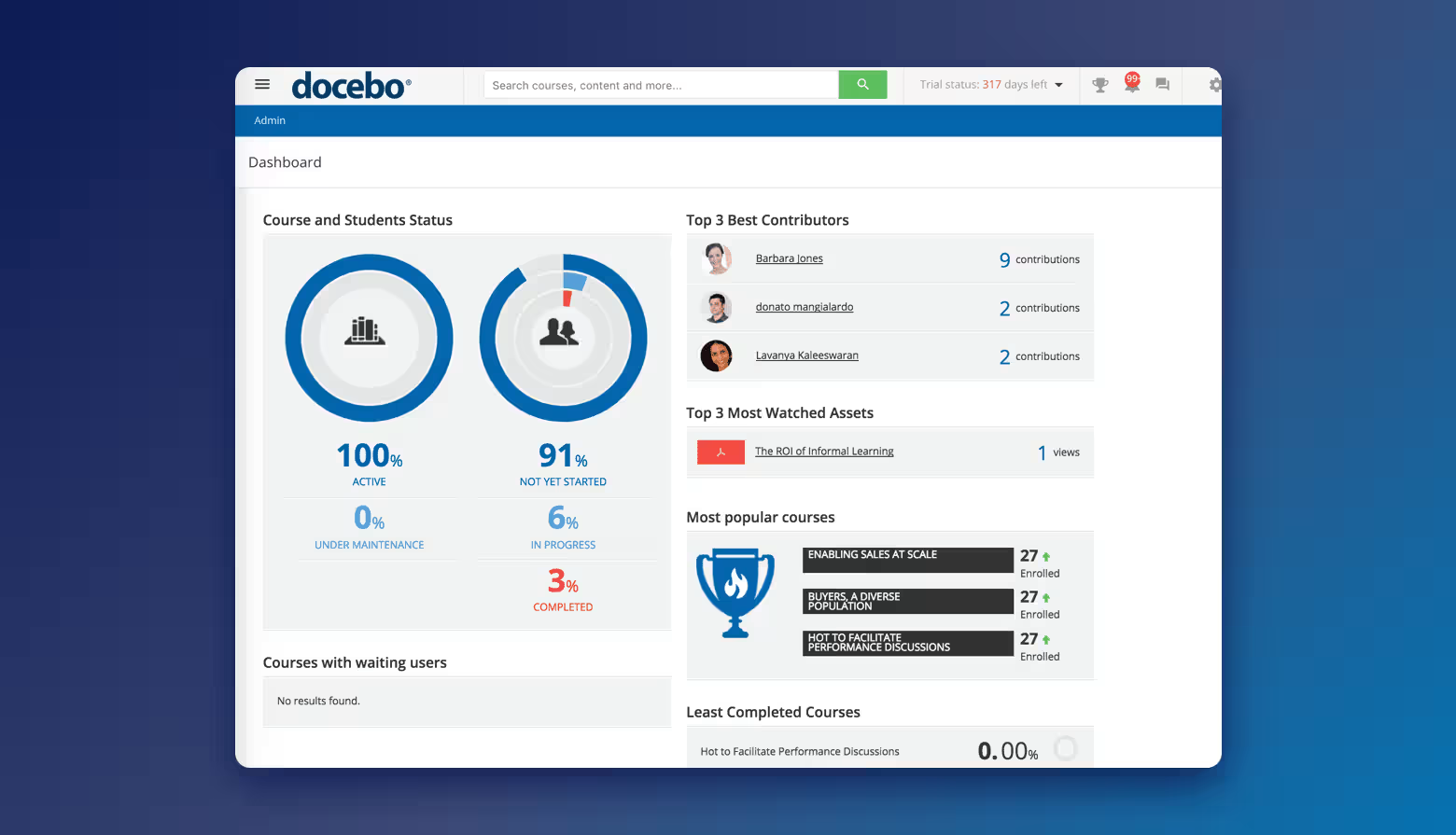
Docebo delivers courses with localization in 50+ languages. It positions itself as an AI-first LMS for enterprise learning and skills, with multilingual training and instant translations. A branded mobile app costs extra. It’s aimed at enterprise buyers, and pricing is custom.
Best for sales and customer-facing teams
Spekit
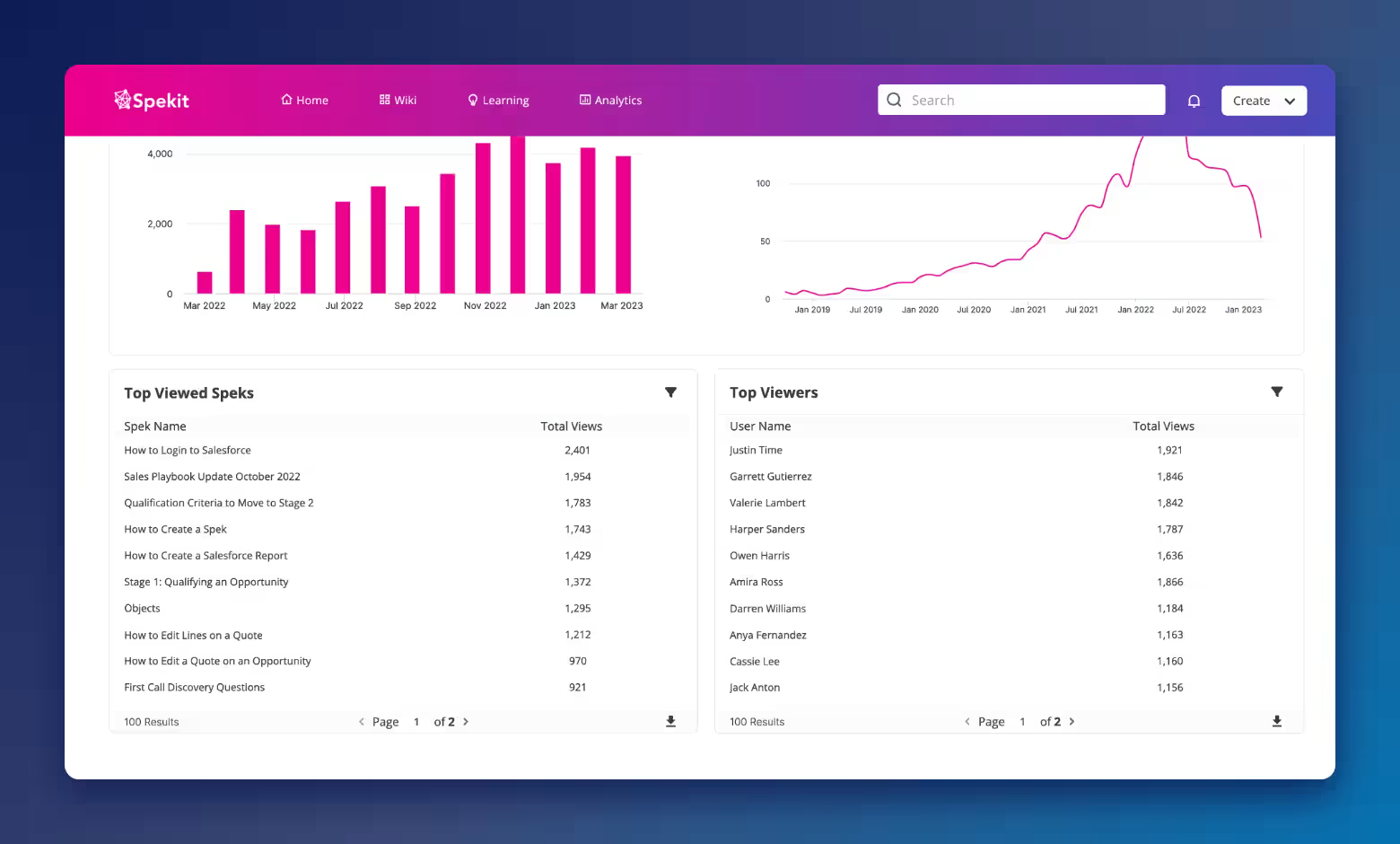
Spekit trains sales reps inside the tools they sell from. It puts coaching, content, and deal intelligence in Salesforce, a Chrome extension, Slack, and email. It’s a sales tool, not a general training platform.
Qstream
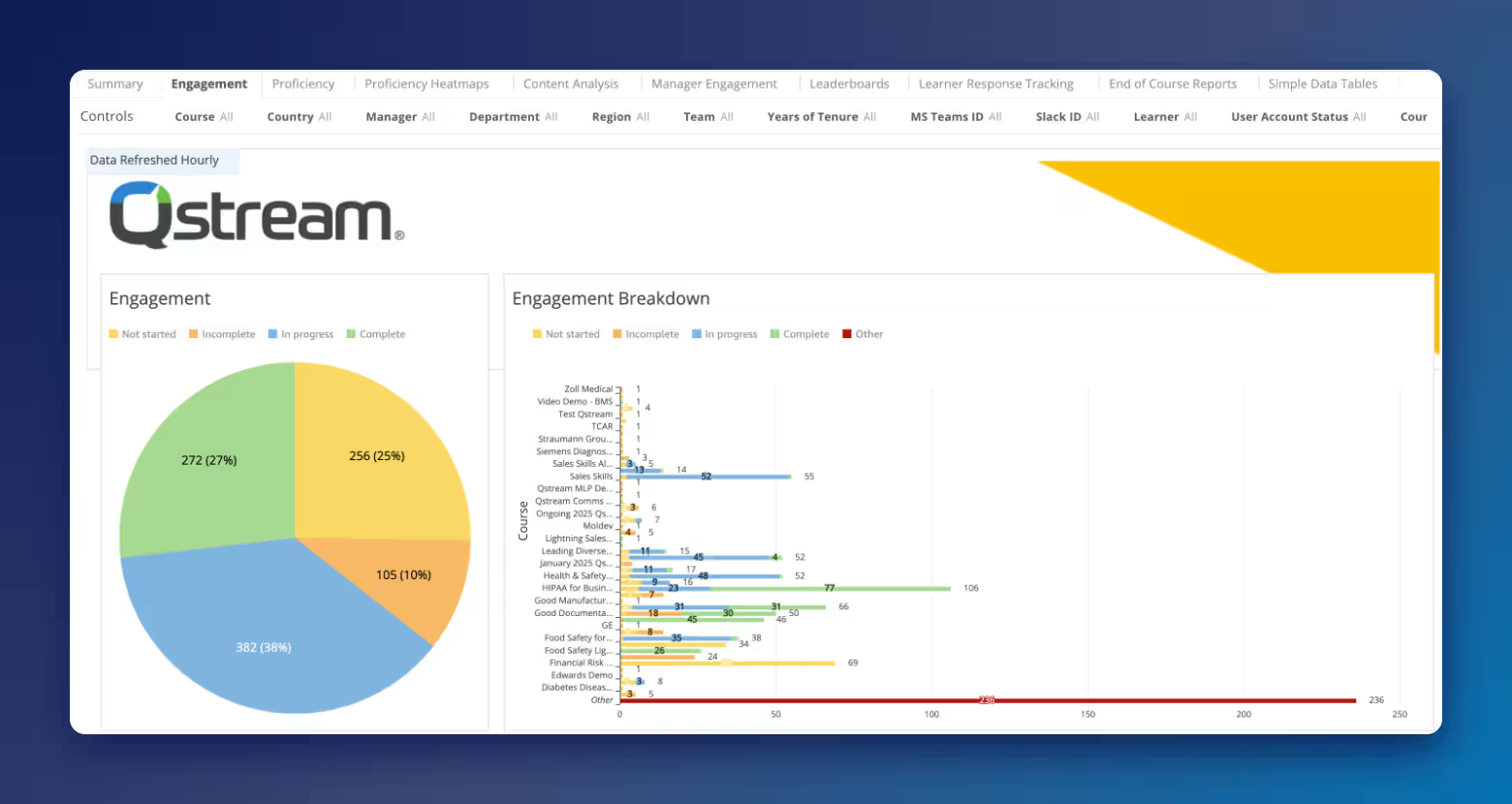
Sales performance and product knowledge are Qstream’s core use cases. It uses spaced learning delivered in mobile, scenario-based bursts of microlearning, with text message delivery too. There’s no public pricing, and LMS connections go through Qstream’s integration service.
Best for creating microlearning content fast
7taps
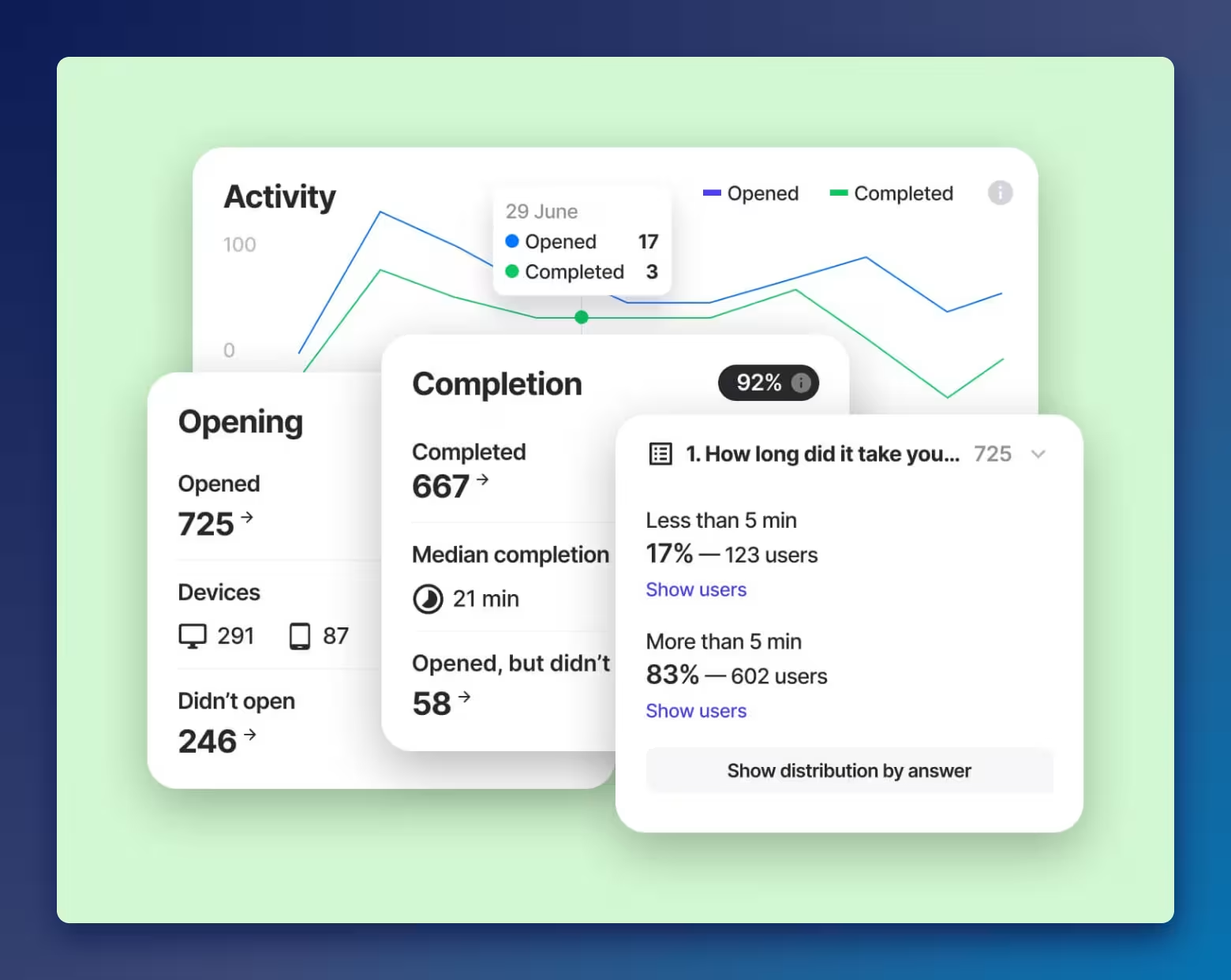
7taps strips setup down to a link. You build a lesson and share it by passwordless links over email, SMS, Slack, Teams, or WhatsApp, so learners don’t need an app or a login. Its free plan is free forever and lets you share up to two courses (with sharing restrictions). Sending completions to your LMS takes the SCORM or xAPI export on its Enterprise plan.
Easygenerator
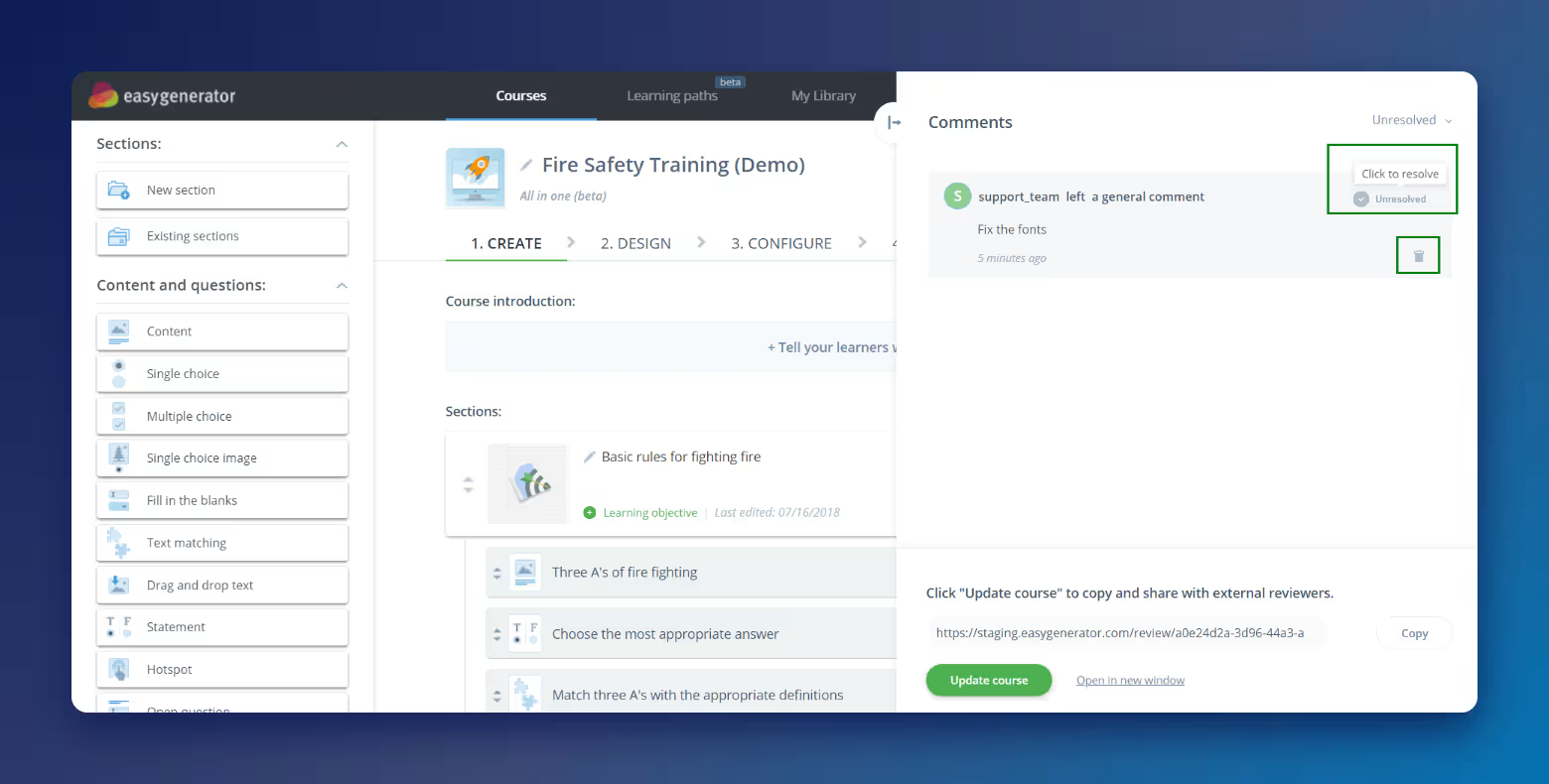
Easygenerator lets subject matter experts build courses themselves. It exports SCORM or xAPI files that work in virtually any LMS or LXP. A limited free plan kicks in after a 14-day trial. It creates courses but doesn’t replace an LMS, so you’ll still need one to deliver and track training.
Best for customer and partner education
Absorb LMS
Absorb LMS trains customers and partners alongside employees, with co-branded certificates that reward people for finishing a series of short courses. At Dura-Line, over 6,300 learners in nearly 90 countries completed more than 32,000 mini-courses through Dura-Line Academy.
If you only need to share a few public how-to videos, a link-based tool may be simpler.
LearnUpon
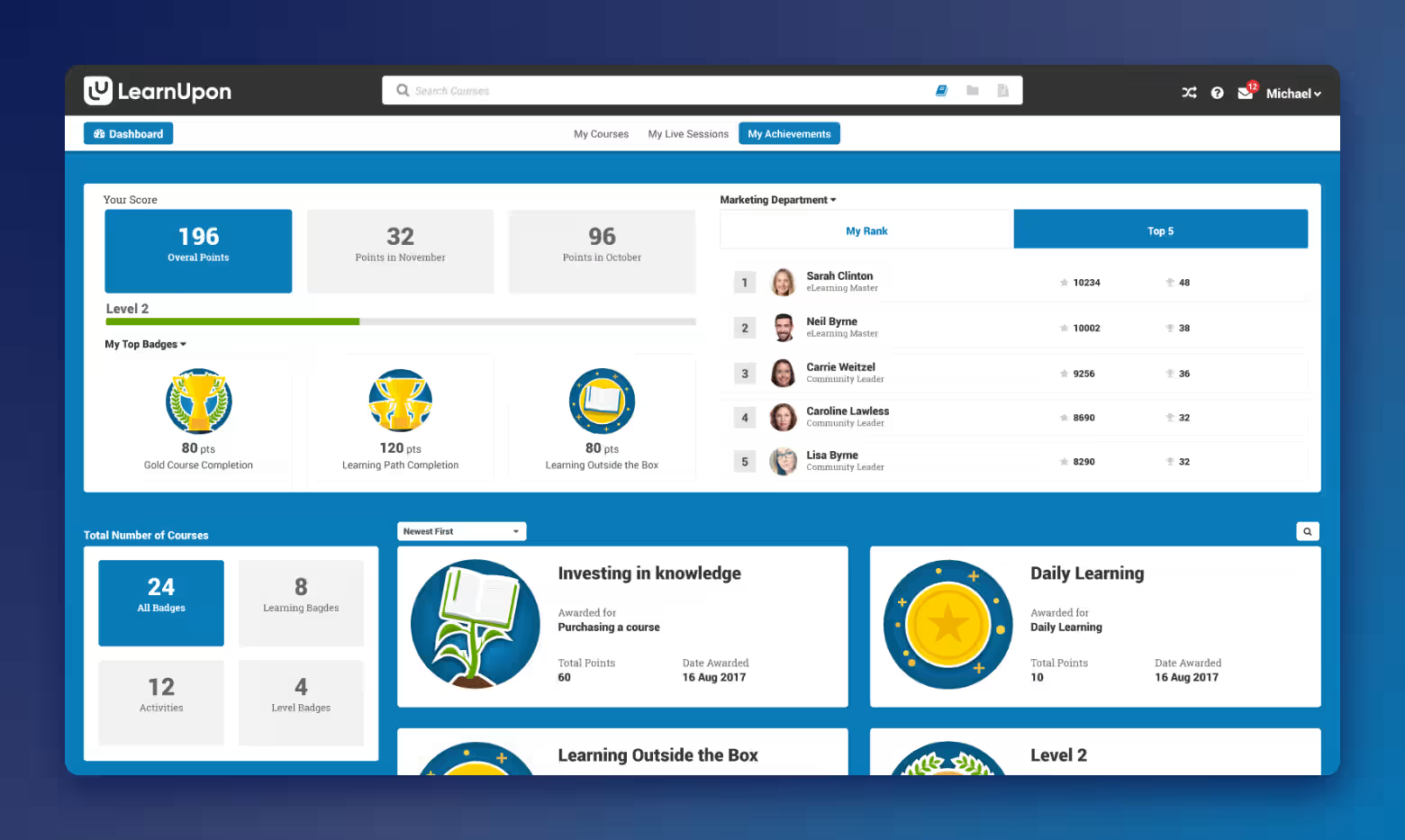
LearnUpon offers a dedicated customer education plan, alongside plans for employees and associations. It also has Create+ AI authoring for building courses.
Plans are quote-based and start at 100 users for employee training and 300 for customer education.
How much does a microlearning platform cost?
It depends on how many people you train and what you need. Most vendors price by user, and many don’t publish prices at all.
Common pricing models
You’ll usually see one of these:
- Per user — a monthly or yearly fee for each learner
- Per active user — you pay only for people who log in during the billing period
- Tiered plans — set bundles by user count or features
- Bundled into an LMS license — microlearning is part of the platform you already pay for
- Custom quotes — common for enterprise plans
What moves the price: the number of learners, content libraries, AI authoring, integrations, and support level.
Some vendors publish prices. TalentLMS’s paid plans start at $119 a month billed monthly, for example. Many, including Absorb, quote based on your number of learners. Whatever the model, ask for the total cost, including setup.
Are there free microlearning apps?
Yes. TalentLMS and TalentCards both have free plans for up to five users. Mitti Training is free for up to 10 users. 7taps has a free-forever plan that lets you share two courses. Easygenerator switches to a limited free plan after its trial.
Free plans usually cap learners and limit branding, reporting, and integrations. If you’re choosing a microlearning platform on a budget, they’re a good way to test the format. Upgrade when you need audit-ready records or more learners.
How to pilot a microlearning platform before you commit
A demo shows you the best case. A pilot shows you what it’s like to use every day. Use both, if you can, before you sign a contract.
Though, a pre-contract pilot won’t always be possible, depending on the complexity of your setup.
Questions to ask in every demo
These questions follow the six criteria above. Ask every vendor the same ones so you can compare answers side by side.
- How long does it take to turn one of our existing courses into short lessons?
- Can learners use it offline?
- How does spaced reinforcement work, and can we set it up ourselves?
- Can I see completions for short lessons and longer courses in one report?
- What integrates out of the box with our HR system, SSO, and chat tools?
- What’s included in the price, and what costs extra?
Run a small pilot first
Pick one team and one real training need, like a product update or a safety refresher. A real need gives you honest results.
Decide upfront how you’ll measure success, such as quiz scores over time, completion, or a work metric like error rates. Ask the team’s manager what they’d expect to see change.
Run the pilot, then compare results with how that training worked before. Ask learners what they thought, too. If your success measure improved and learners found the lessons useful, expand to the next team.
Frequently asked questions about microlearning platforms
How long should a microlearning lesson be?
A few minutes is typical, but there’s no single rule. Match the length to one skill or idea. Using Absorb, Enstall’s installer courses run two to five minutes. Five Guys often keeps bite-sized lessons under 20 minutes.
Is microlearning better than traditional training?
Not on its own. Microlearning is best as a complement to longer training. It reinforces knowledge and handles quick tasks, while complex skills still need practice and coaching.
Can microlearning be used for compliance training?
Yes, for refreshers and policy updates, as long as you track completions in a system you can show an auditor. Some regulations set required hours or content, so microlearning may not be enough on its own. Check what yours require.
Do microlearning apps work offline?
Some do, so ask in every demo, especially for field teams. The Absorb mobile app lets learners download content for offline training, and their progress syncs to the LMS when they reconnect.
Can microlearning platforms deliver SCORM courses?
Many can. Full LMS platforms like Absorb usually support SCORM, so you can run courses built in other tools. Some dedicated microlearning apps only create or deliver their own lesson format, so confirm before you buy.
Choose the right microlearning platform
Choosing a microlearning platform comes down to three simple steps:
- Decide whether microlearning belongs in your LMS or a separate tool.
- Compare platforms on the six criteria: creation speed, mobile delivery, reinforcement, reporting, engagement, and integrations.
- Demo and/or pilot your favorite platforms with one team before you commit.
Start today by picking three platforms from the list that match your use case. Take the demo questions from this article into each call.
Whatever you pick, favor the platform that lets your team create and update short content fastest. Lessons that stay current keep people coming back long after launch.
And be honest about scope. Microlearning is strongest when it reinforces a broader training program, not when it tries to replace it.
If you want microlearning alongside onboarding, compliance, and reporting in one place, get pricing for Absorb LMS.

