



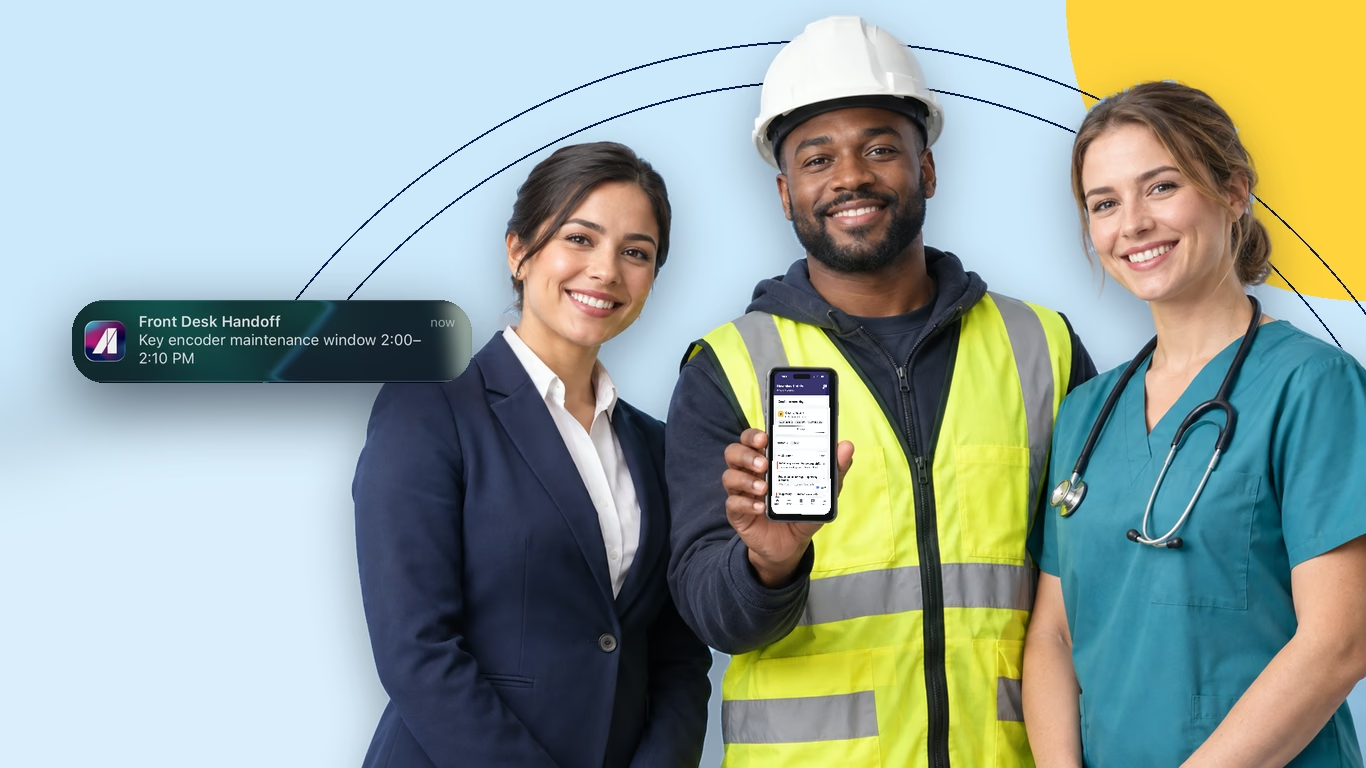
The Absorb Frontline App is one app for frontline and deskless workers. It combines training, targeted updates with read receipts, two-way chat, task checklists and AI answers drawn from your own SOPs. Managers run it from a web admin. It replaces the paper checklists, personal group chats and email blasts most frontline teams use today.
Why we built it
Most of the world's workforce, about 80%, doesn't sit at a desk. Many of these workers have no work email, and plenty share a device with the next shift. They get minutes between tasks, not hours.
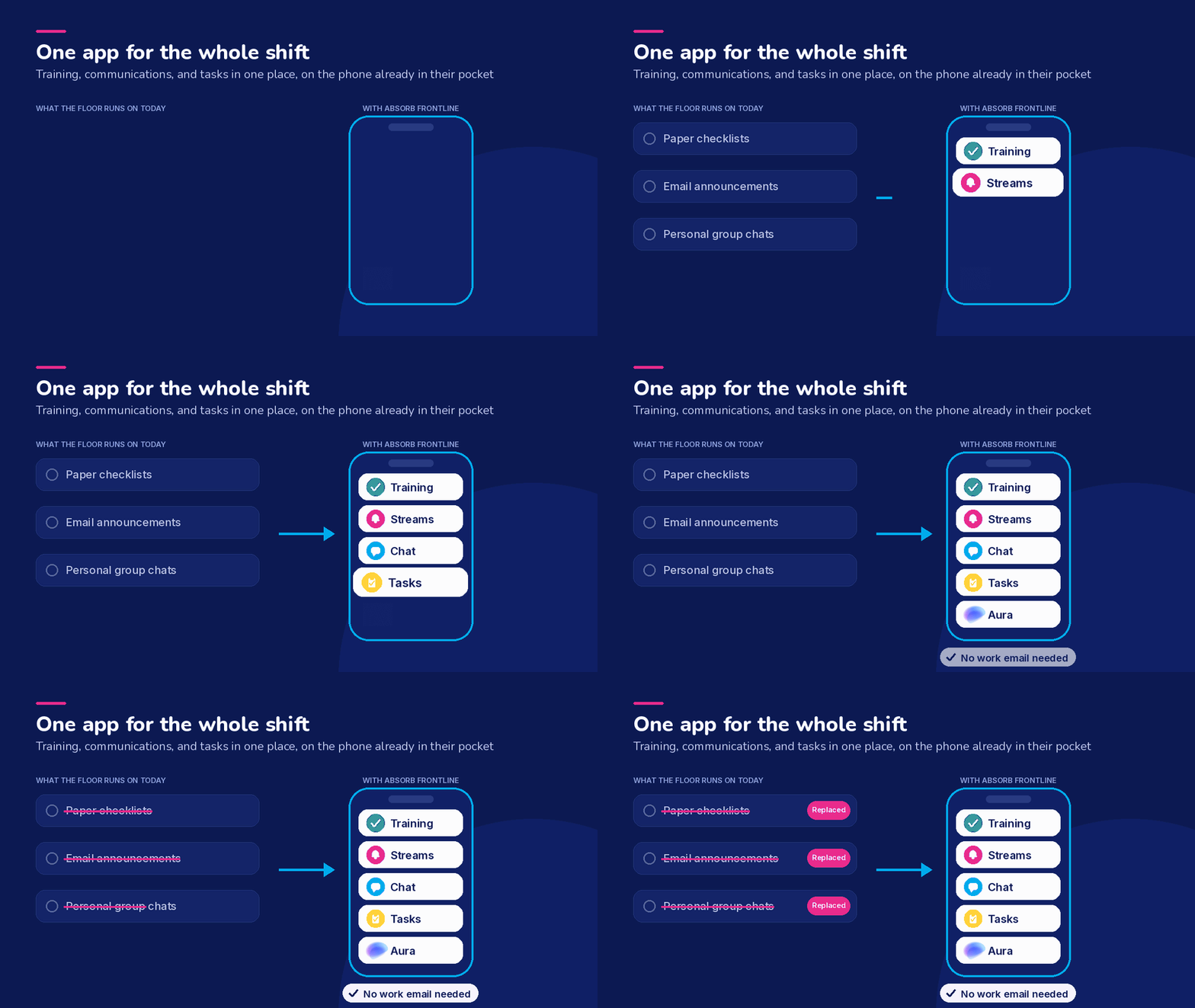
So the usual tools reach them badly. Training sits behind a login they can't use. Announcements go to an inbox nobody opens. The checklist lives on a clipboard by the back door, and a manager finds out something was missed a day later.
Three systems, none of them talking, and a workforce that touches all three on a phone in a pocket. We built the Absorb Frontline App to put training, communications, and tasks in one place, with a sign-in that works without a work email.
What does the Absorb Frontline App do?
Give people a checklist they can finish on their feet
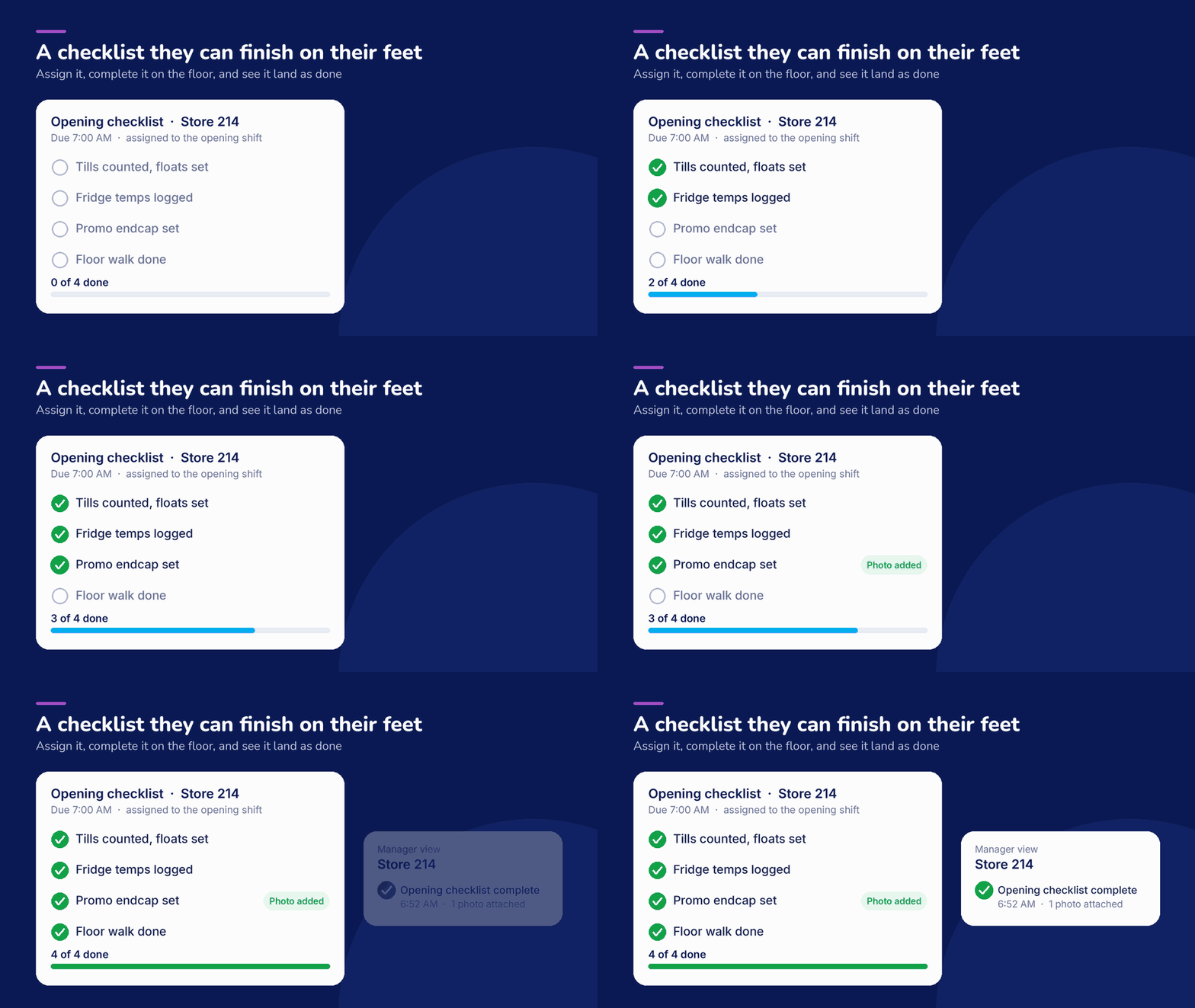
Managers assign tasks, and workers complete them on their phones. A task can carry a checklist, a due time, and a photo or a location as proof it was done. Managers see what's finished and what's outstanding without chasing anyone.
Send an update that reaches the right shift
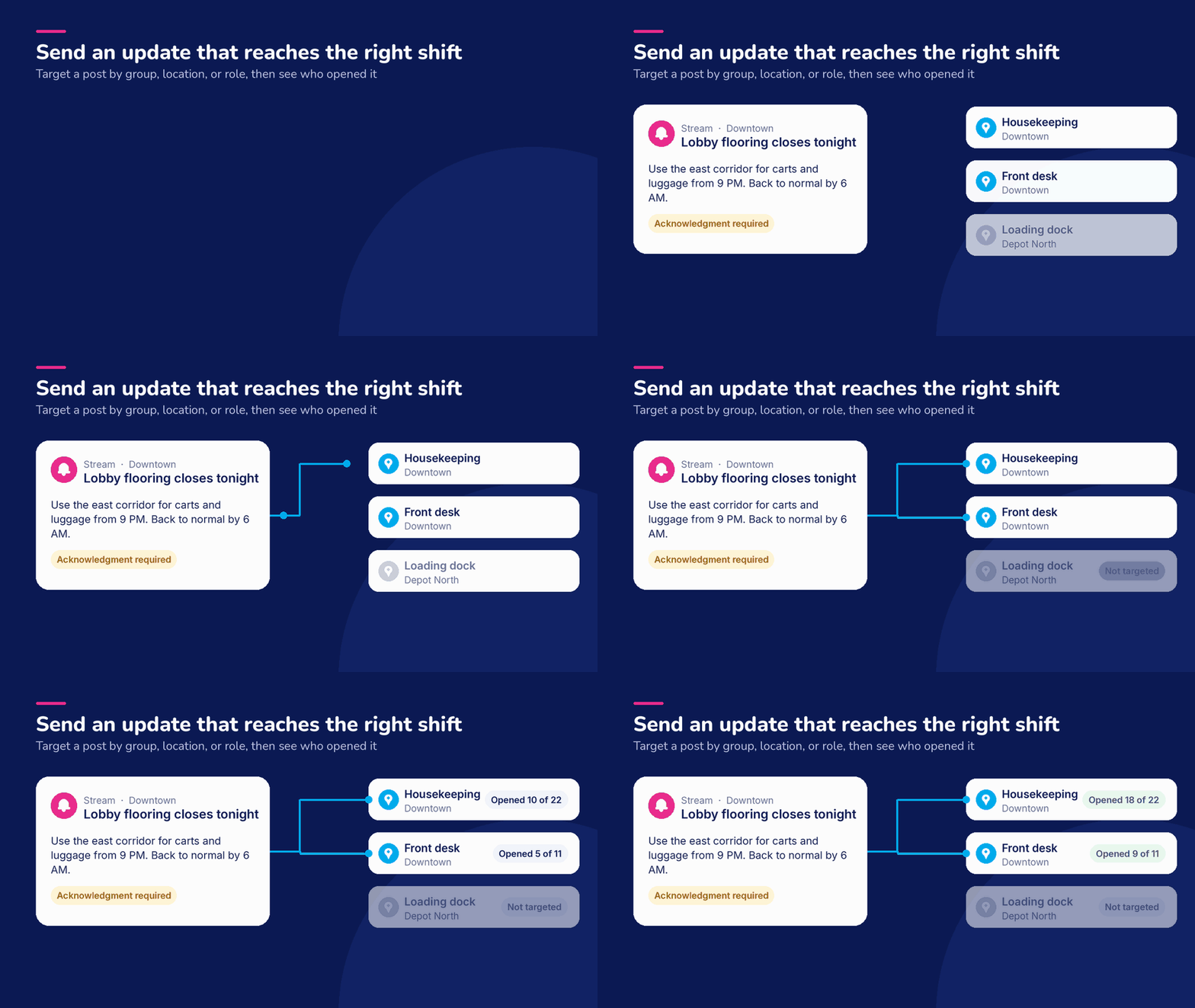
The Streams feature is a broadcast feed for managers and admins. You target a post by group, location, or role, so housekeeping doesn't get the loading dock notice. Posts can require acknowledgment, and you can see who opened them.
Replace the group chat people are already using
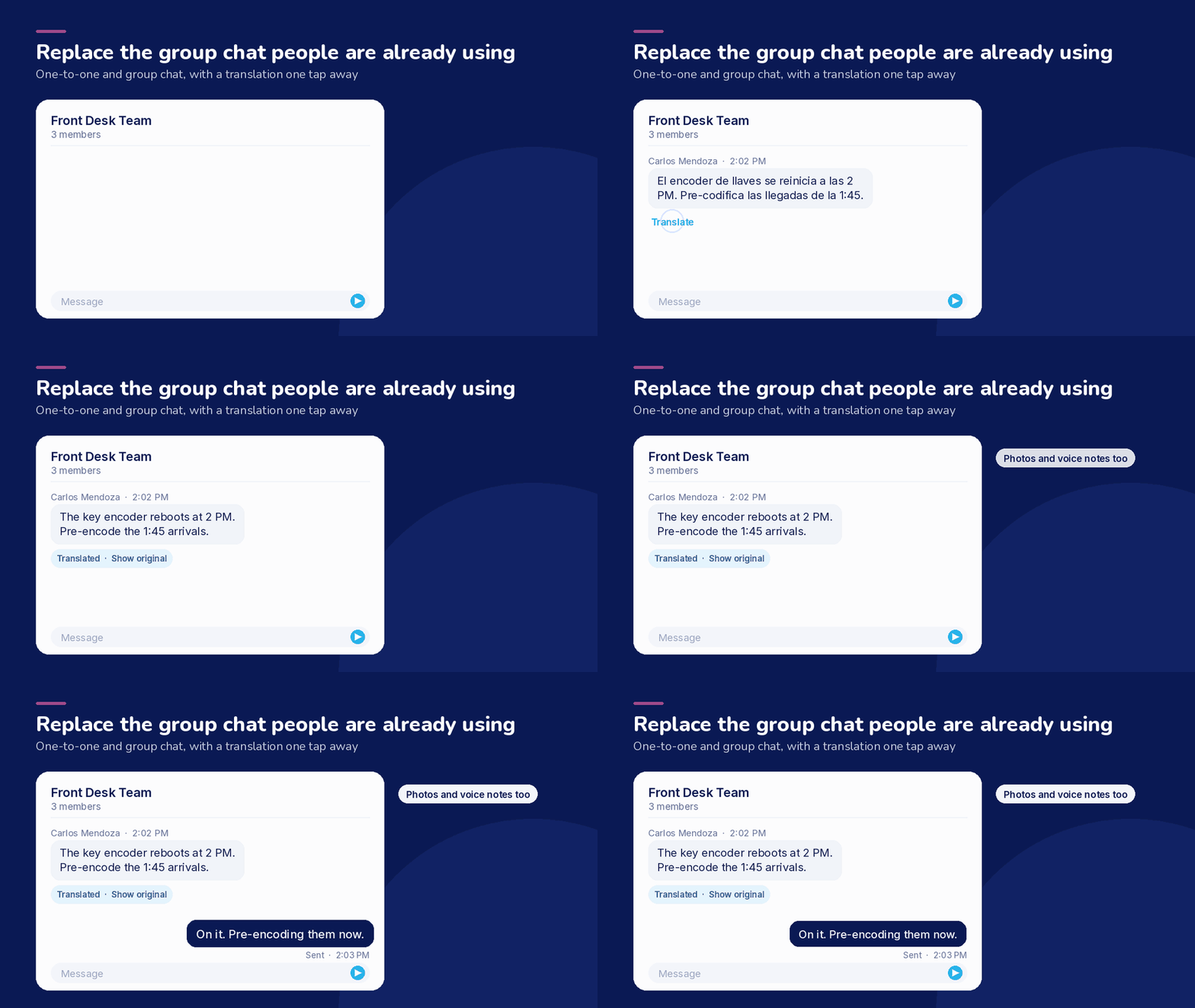
Chat covers one-to-one and group conversations, with photos and voice notes. A worker can translate an incoming message into their own language, so a mixed-language crew works from the same instructions.
Answer questions from your own documents
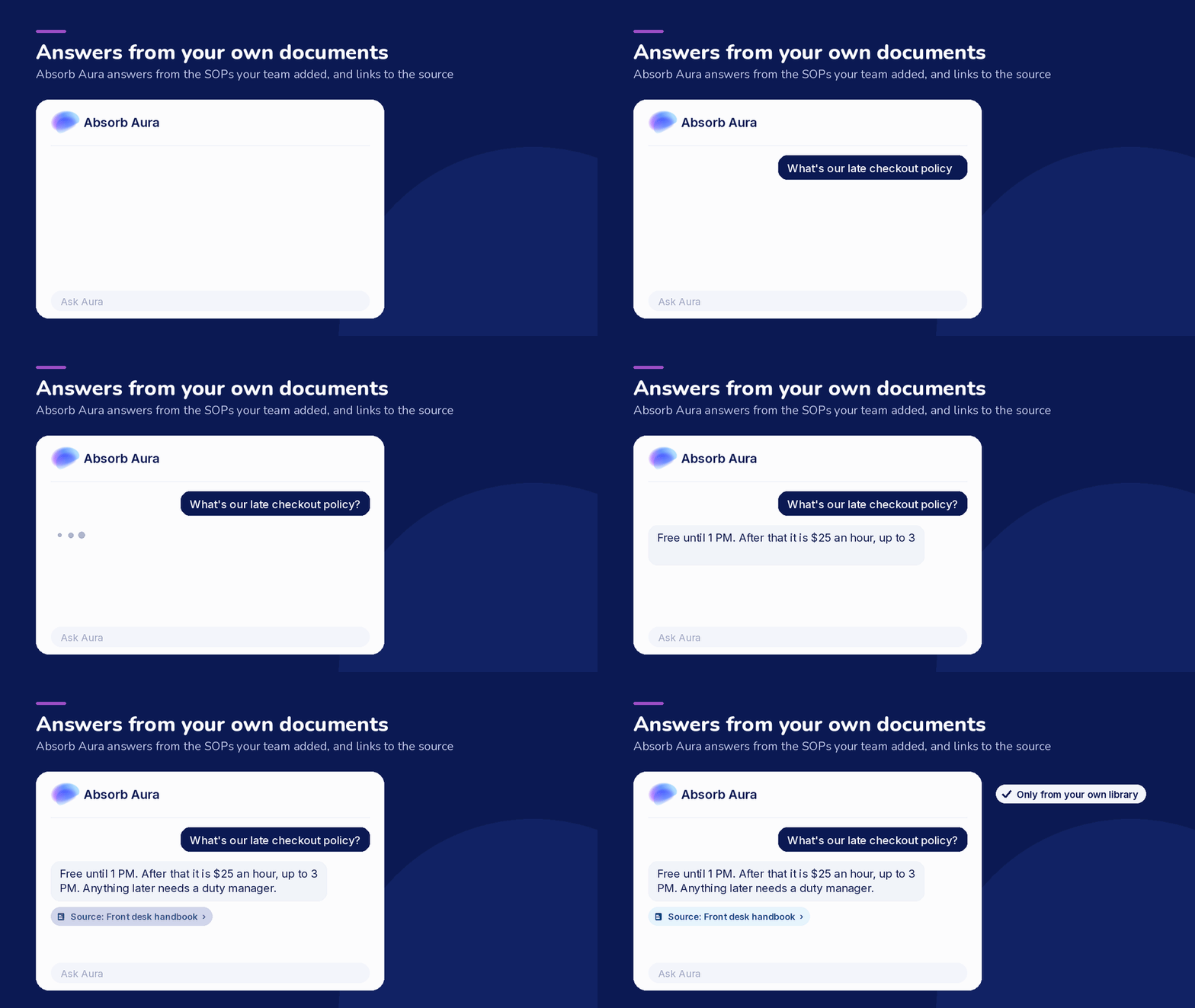
Absorb Aura answers questions using the SOPs, policies, and job aids your team has added. Answers link back to the document they came from, so anyone can check the source. Ask about the late checkout policy and you get the tiers, not a list of search results.
Keep training in the same app
Assigned courses come from Absorb LMS, built into the app. People see what's due, pick up where they left off, and finish in the gaps between tasks, on the same phone they use for everything else. Managers see who completed training in the same report that shows who received and acknowledged each update.
Who is the Absorb Frontline App for?
- Retail: opening and closing checklists, with photo proof the floor was set before doors opened.
- Hospitality: allergen certifications tracked per property, so a manager can see who is current before service.
- Healthcare: credential renewals surfaced to the person who has to act, ahead of the expiry date.
- Manufacturing: SOP answers on the line, drawn from the procedure documents you already maintain.
- Construction: pre-job safety checks completed at the site, with the location recorded against the completion.
How does the Absorb Frontline App work with Absorb LMS and Aura?
The Absorb Frontline App is sold standalone. You don't need anything else to run it.
If you already use Absorb LMS or Absorb Aura, they work together as one platform. Course assignments flow through to the app, and Aura answers from the same library your other teams use.
Read more on the Absorb Frontline App overview page, the frontline workforce solution page, and the Absorb Aura product page.
Availability
The Absorb Frontline App is available now. Book a demo and we'll walk through it with your own use case.
FAQ
What is the Absorb Frontline App?
It's built for frontline and deskless workers: one app that combines training, targeted communications, two-way chat, and task checklists, plus AI answers drawn from your own SOPs, with a web admin for managers. It's sold standalone and works with Absorb LMS and Absorb Aura when you have them.
Do frontline workers need a work email to sign in?
No. People sign in with a phone number, personal email, employee ID or username, and admins create the accounts. A one-time code sent to a phone number or email address also works, and organizations using single sign-on can use SAML.
Can we target a message to one site or one role?
Yes. Posts in the Streams feature are targeted by group, location, or role, so a notice reaches the shift it applies to and nobody else. You can require acknowledgment on a post and see who has opened it.
Where do Aura's answers come from?
From the documents your organization has added to the app: SOPs, policies, handbooks, and job aids. Answers link to the source document so a worker can open it and check. Aura doesn't answer from outside that library.
Does it work if we don't use Absorb LMS?
Yes. The Absorb Frontline App is sold standalone and runs on its own. If you add Absorb LMS or Absorb Aura later, they connect as one platform without moving your people to a different app.


